
Round-trip search is now available for flights departing on or after Tuesday, May 19, 2026.
* For itineraries of two or more segments that span Monday, May 18, 2026 and Tuesday, May 19, 2026, please make separate one-way reservations.
For customers with reservations for boarding until May 18, 2026
For customers with reservations for boarding on/after May 19, 2026
The search system varies depending on your departure date.
For itineraries of two or more segments that span Monday, May 18, 2026 and Tuesday, May 19, 2026, please check each segment as a separate one-way reservation.
Online Check-in is available from 24 hours up to 20 minutes prior to your flight departure.
Please have your Reservation Number or e-Ticket number ready.
Online Check-InTraveling with an unaccompanied child
If a child is traveling alone, they must meet the applicable travel requirements.
Important Notes When Searching for Reservations Including Passengers with a Disability Certificate
IBEX Airlines offers a disability discount
for one passenger holding a disability certificate and up to one accompanying assistant.
When a reservation includes a passenger with a disability certificate, bookings can be made for up to two passengers in total.
For groups of three or more passengers, please make separate reservations.
<例>
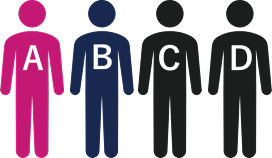
Traveling as a party of four
A: Passenger with a disability
B: Accompanying assistant

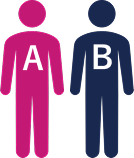
Reservation for two passengers (A and B)
※Disability discount applied

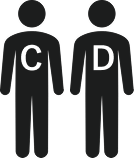
Reservation for two passengers (C and D)
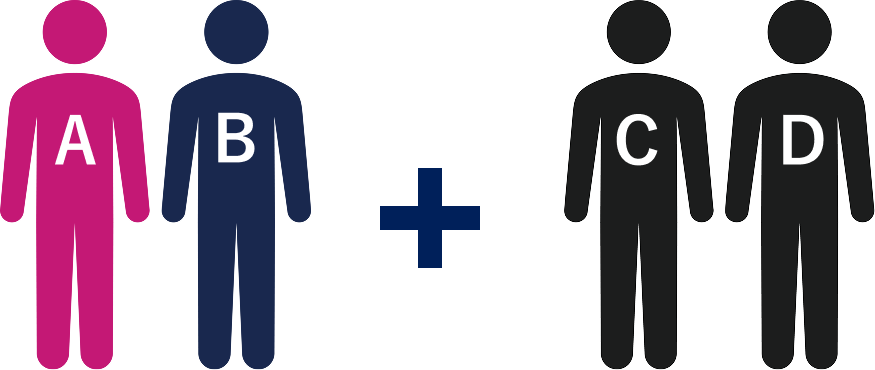
Reservation for two passengers (A and B)
※Disability discount applied
Reservation for two passengers (C and D)
The information on this page applies to passengers boarding until May 18, 2026.
Please note that the applicable conditions and terms vary depending on the boarding date.
Passengers boarding on/after May 19, 2026 are requested to refer to the page above titled [Boarding on/after May 19, 2026].
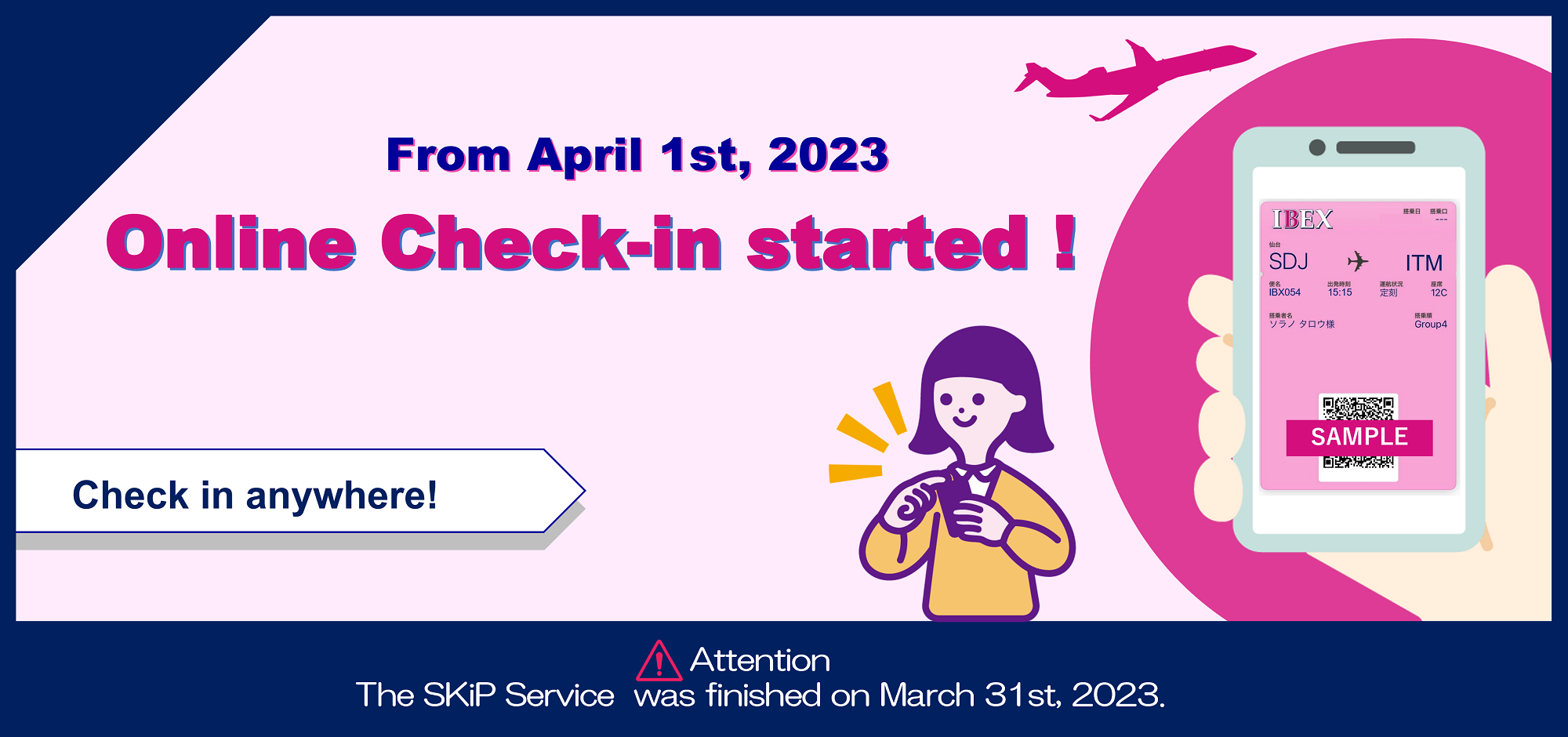
Online Cheick-In is a service that allow you to check in and get your tickets issued from 24 hours to 20 minutes prior to the departure of your flight.
(You can use your PC, smartphone, or tablet etc.)
Cases in which Online Check-In is unavailable
Online check-in is not available if any of the following in applies. Please complete the necessary procedures at an ANA airport counter.
① Passengers using the Disability Discount Fare
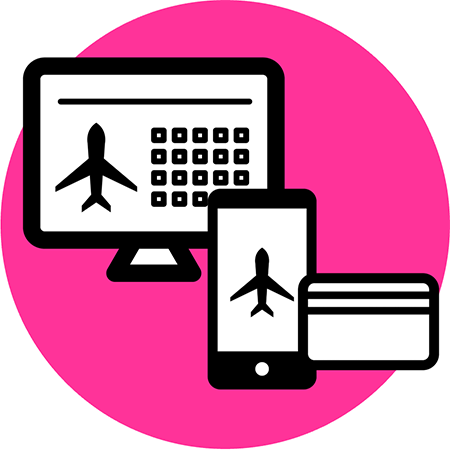
You will be required confirmation number to check in online. Please be sure to take a note of it.
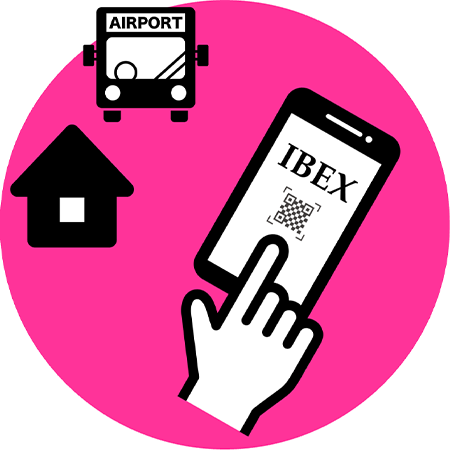
You can use the online check-in service from 24 hours prior to the departure of your flight. Please check in online and issue your boarding pass no later than 20 minutes before the departure.
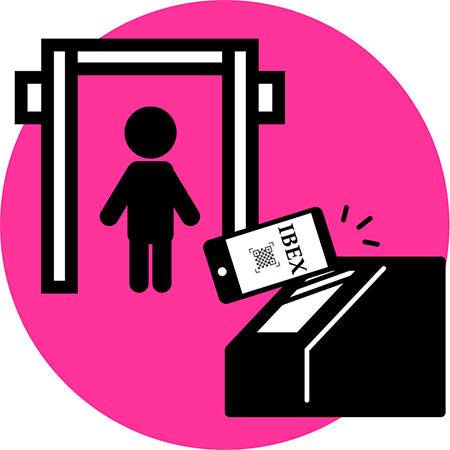
Please go through Security with scanning your mobile boarding pass (2D barcode) no later than 20 minutes prior to the departure time.
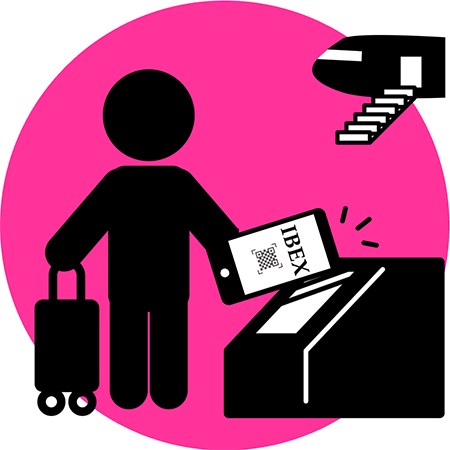
Please go to the Boarding Gate no later than 10 minutes before the departure time.
You can board up to 3 sectors using online check-in if the connecting itinerary is within the same reservation. Please scan your mobile boarding pass (2D barcode) to the final destination at Security.
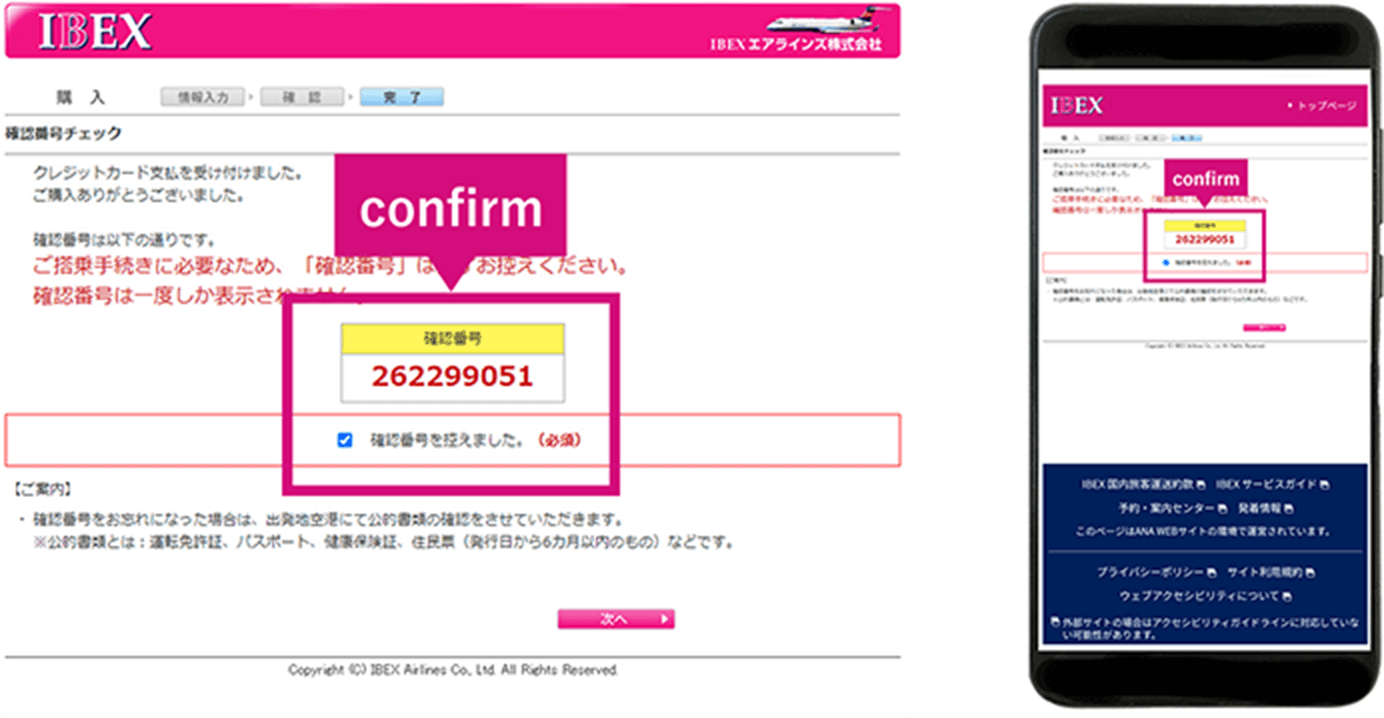
Please be sure to take a note of your confirmation number when you purchase the flight tickets.
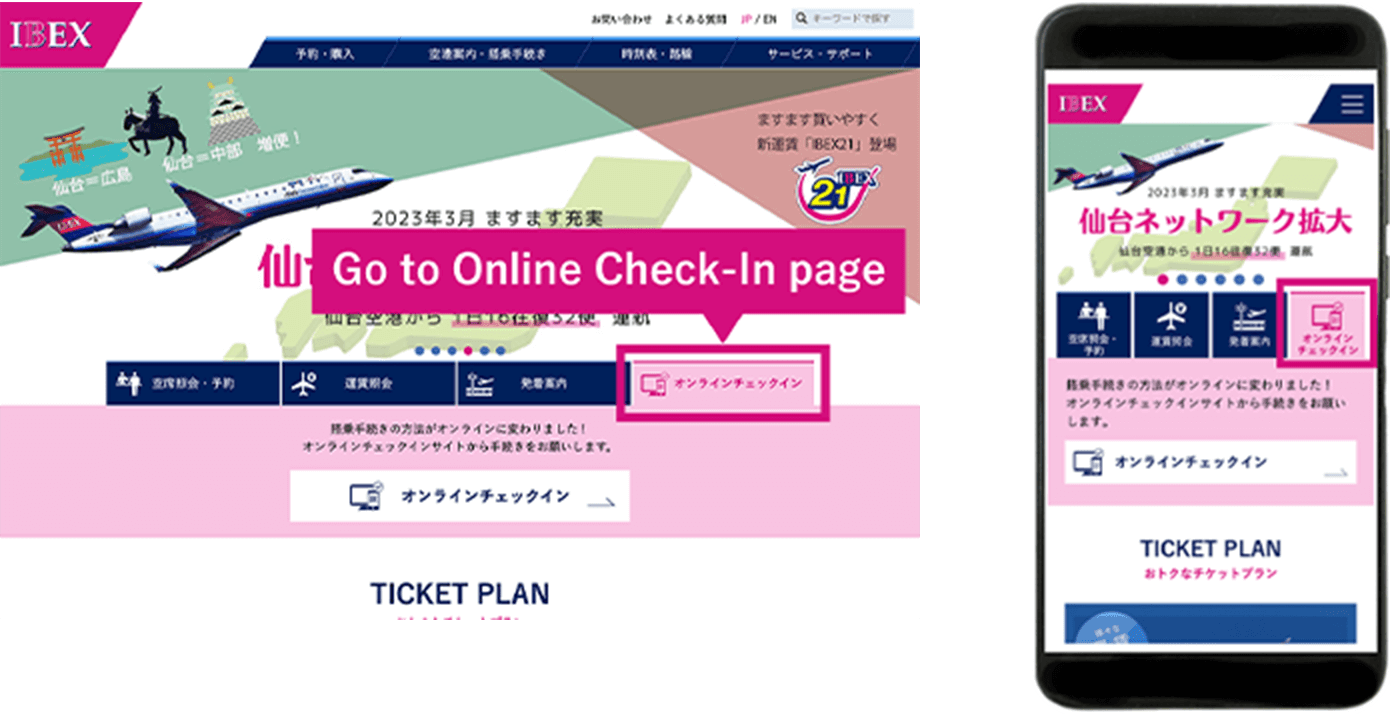
You can check in online from 24 hours to 20 minutes prior to the departure of your flight.
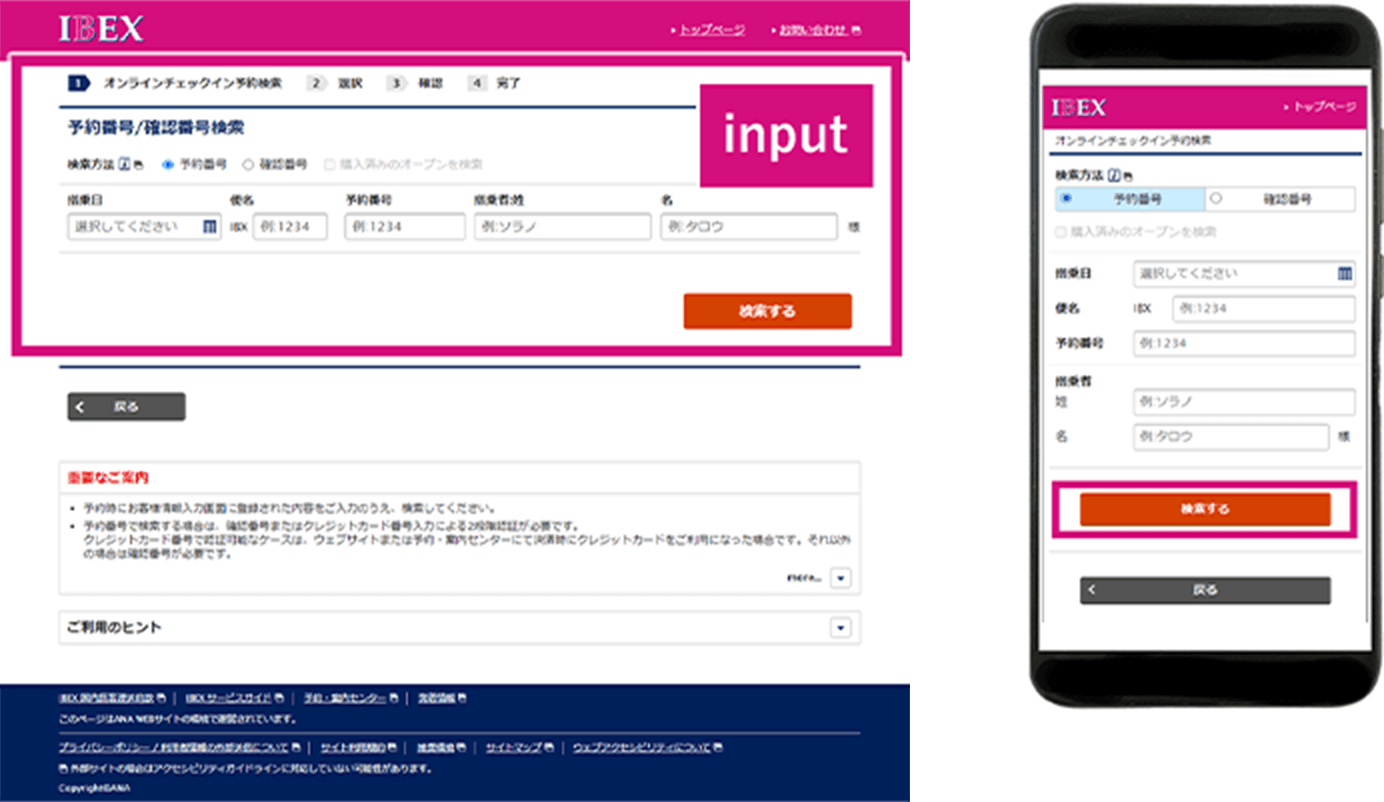
Enter your flight date, flight number, confirmation number or reservation number, and passenger name.
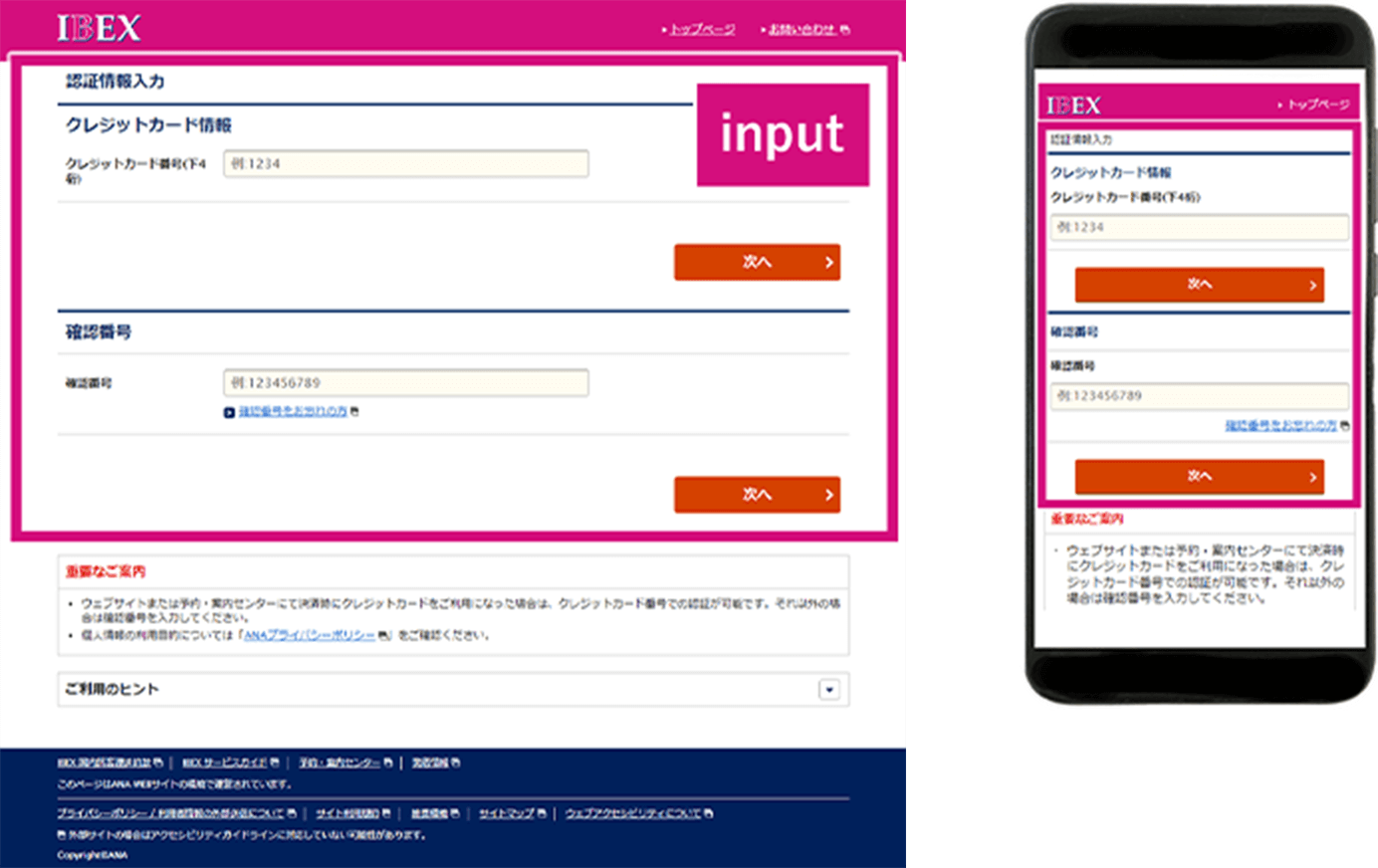
When checking in online with reservation number
When you check in online with reservation number, you will be required the last 4 digits of credit card used for purchase or confirmation number,
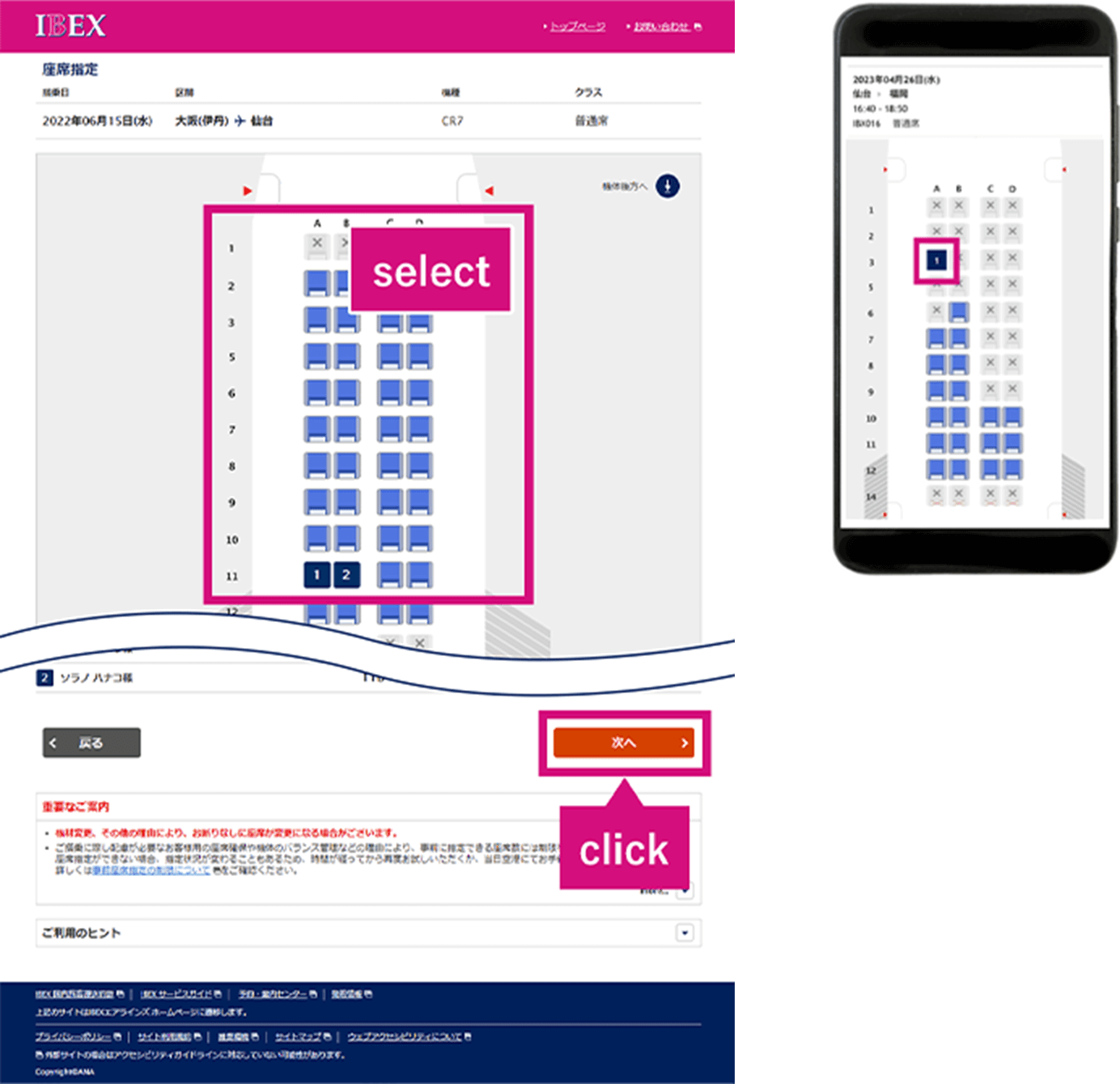
Reserve your seats.
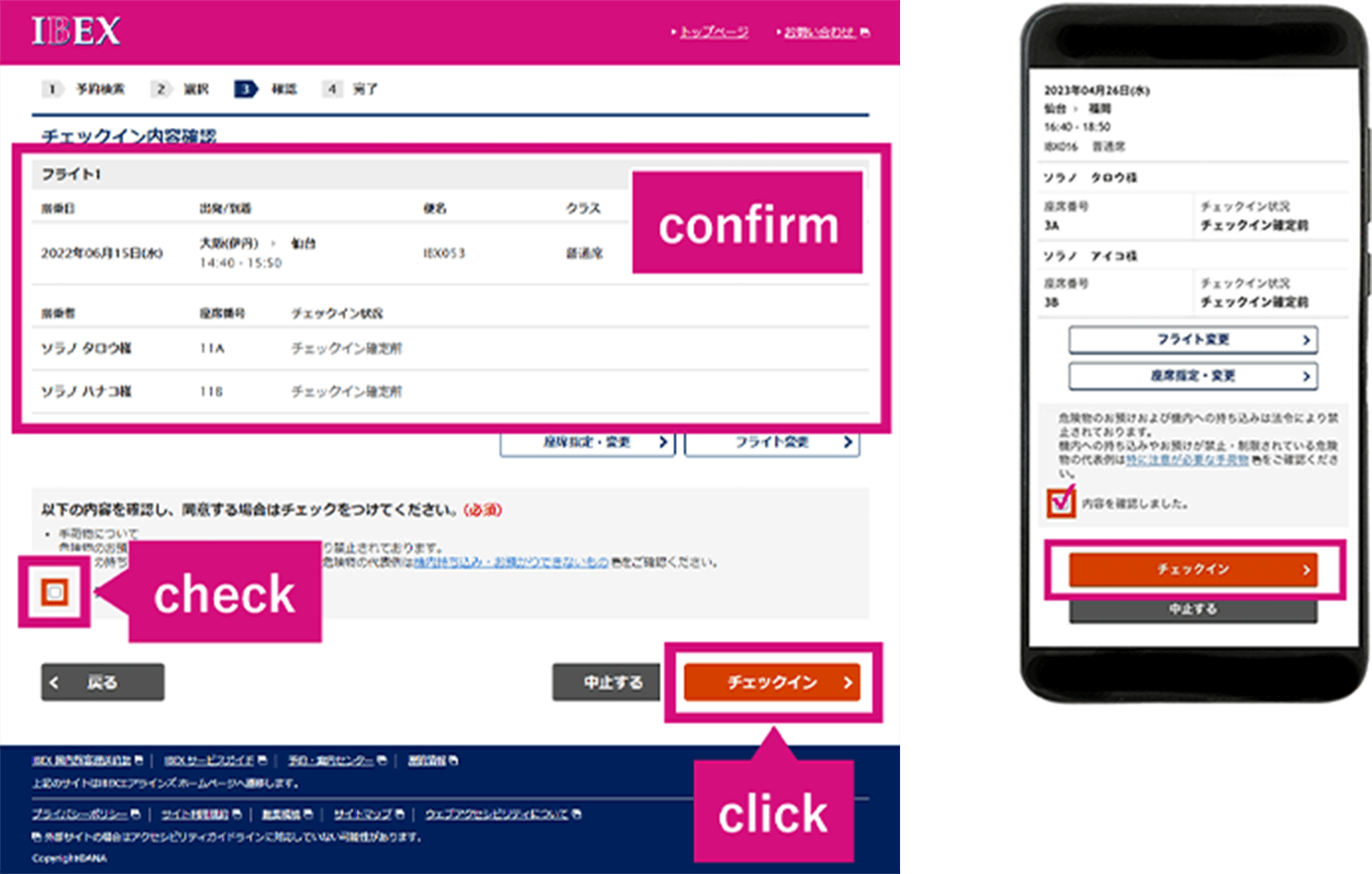
Confirm your flight detail.
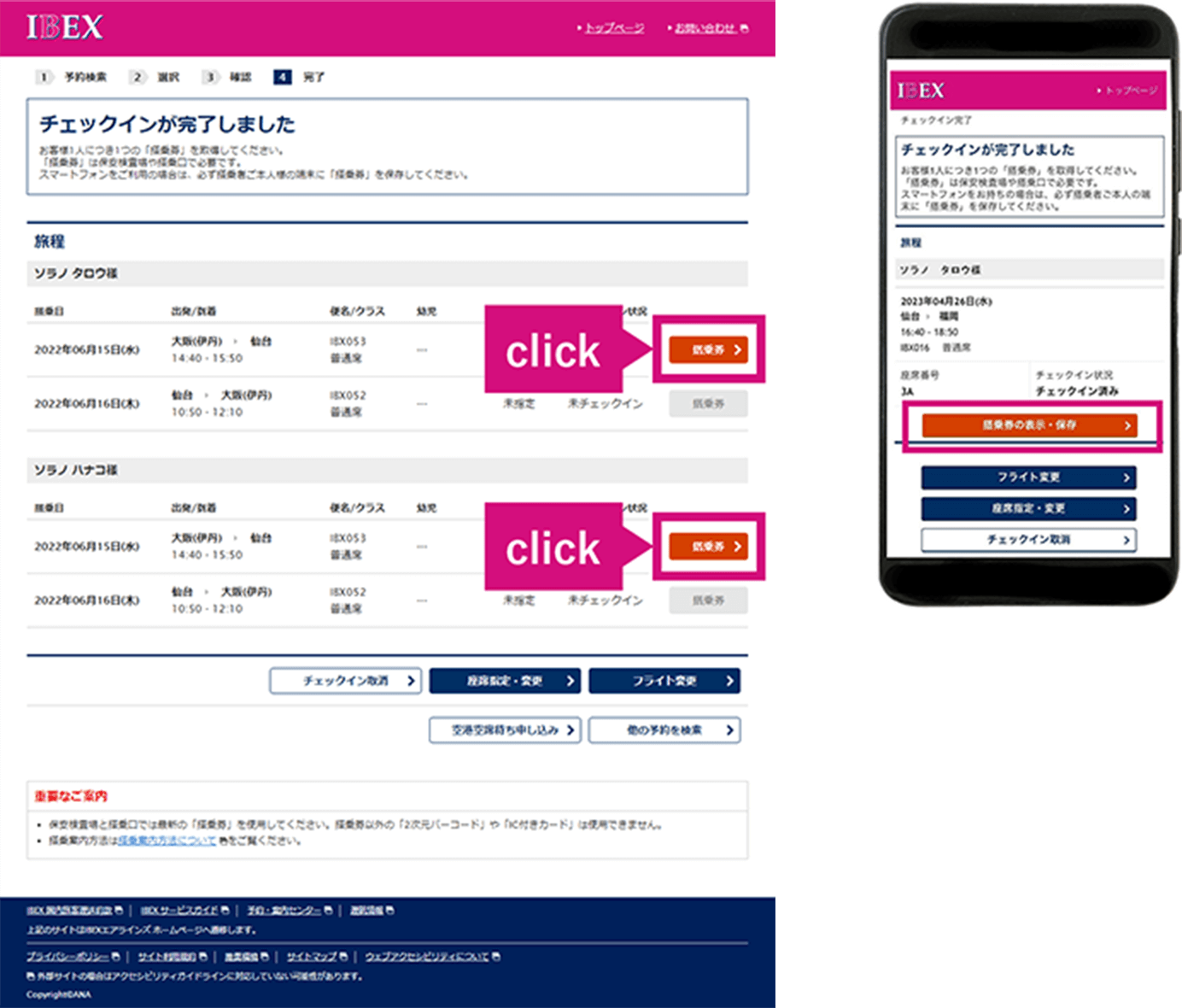
Complete online check-in.
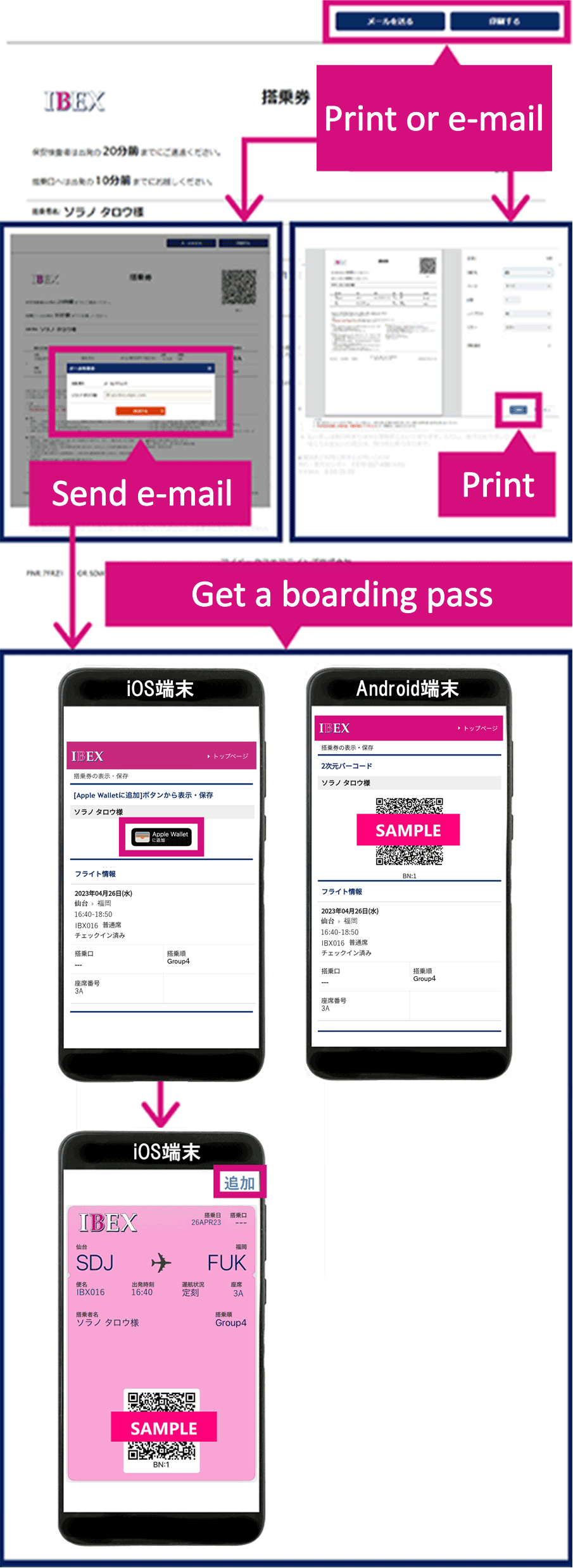
Send your tickets by e-mail or print it.
<Attention>
Passengers have not yet completed their flight reservation, ticket purchase, and seat reservation, and those requiring assistance must carry out procedures at the airport.
Upon arrival at the airport, please complete boarding procedures at a counter or by using a self-service check-in machine.
Please see here for information on self-service check-in machines.
Please finish checking in your baggage no later than 20 minutes before the flight departure time.
(If you do so after this time, you may be unable to board your flight.)

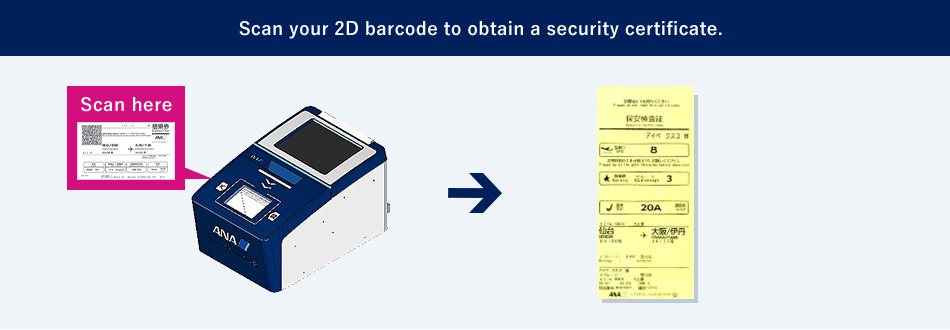
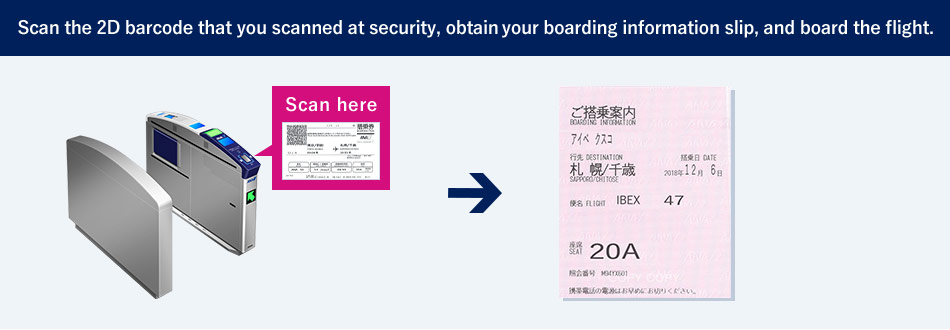
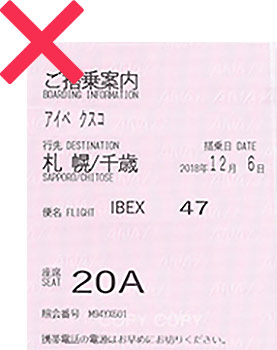
Security Certificate and Boarding Information forms issued at security checkpoints and boarding gates will be discontinued due to the renewal of equipment.
*New equipment will be introduced gradually at each airports.
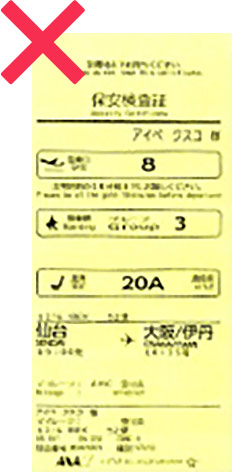
Security Certificate
The Security Certificate previously issued at security checkpoints will be discontinued due to the updated machines.Please check your boarding pass for details such as your boarding gate, group number and seat number.
Boarding information
Boarding Information slips will not be issued from the new ticket gates.
Passengers who previously were using Boarding Information slips as proof of boarding are asked to instead issue a Boarding Certificate.
A Boarding Certificate can be issued at an ANA airport counter or at the Reservation & Service Center.
The time required when connecting to other flights is listed below.
| Domestic ⇔ Domestic (IBEX/ANA flights) | |
|---|---|
| Osaka Itami Airport | At least 25 minutes |
| Other Airports Served by IBEX | At least 20 minutes |
The information on this page applies to passengers boarding on/after May 19, 2026.
Please note that the applicable conditions and terms, etc. vary depending on the boarding date.
Passengers boarding until May 18, 2026 are requested to refer to the page above titled [Boarding until May 18, 2026].
Please follow the steps below to complete the boarding procedures from check-in to boarding.
Please complete check-in online or at a self-service check-in kiosk at the airport at least 20 minutes prior to departure.
Online check-in is available from 24 hours prior to departure.
If you have baggage to check, please drop it off at a self-service baggage drop machine or at the counter at least 20 minutes prior to departure.
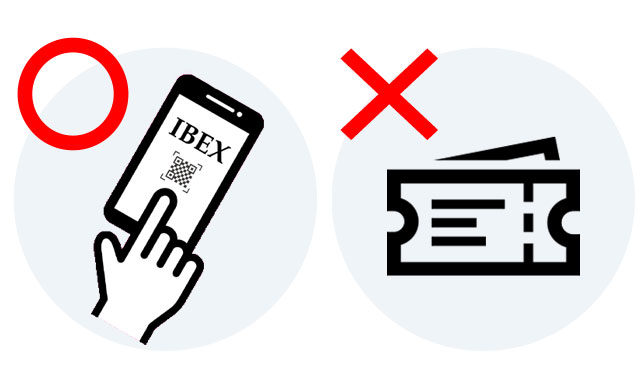
Please touch the 2D barcode on your boarding pass and proceed through the security check.
Please scan the same 2D barcode on your boarding pass used at the security check to board the aircraft.
Please arrive at the boarding gate at least 10 minutes prior to departure.
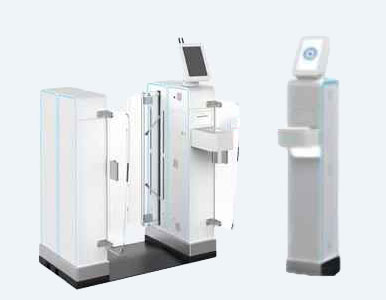
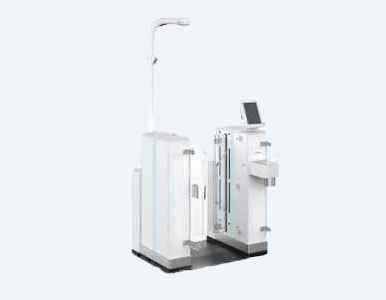
Security Certificate and Boarding Information forms issued at security checkpoints and boarding gates will be discontinued due to the renewal of equipment.
*New equipment will be introduced gradually at each airports.
| Security Checkpoint | Boarding Gate |
|---|---|
|
|
|
Security Certificate
The Security Certificate previously issued at security checkpoints will be discontinued due to the updated machines. |
Boarding Information
Boarding Information slips will not be issued from the new ticket gates. |
Please complete all procedures at least 20 minutes prior to departure and allow sufficient time to pass through security. Please arrive at the boarding gate at least 10 minutes prior to departure.
If you arrive after the deadlines, you will not be allowed to board even if all procedures have been completed.
If you miss your flight, a refund will be processed subject to the prescribed fee. Please note that changes to other flights are not permitted.
This service allows you to complete check-in and obtain your boarding pass on the website from 24 hours up to 20 minutes prior to departure.
It is available on your PC, smartphone, or tablet.
You will need your email address and reservation number or ticket number to use online check-in.
Important Notes for Online Check-in
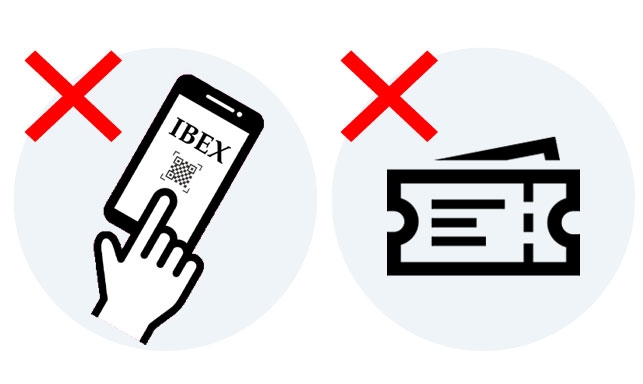
Cases Where Online Check-in Is Not Available
Online check-in is not available in the following cases.
Please complete the required procedures at the airport counter on the day of departure.
Cases Where Online Check-in Is Available but a Boarding Pass Cannot Be Issued
Customers in the following cases can complete online check-in; however, please collect your boarding pass at the airport counter on the day of departure.
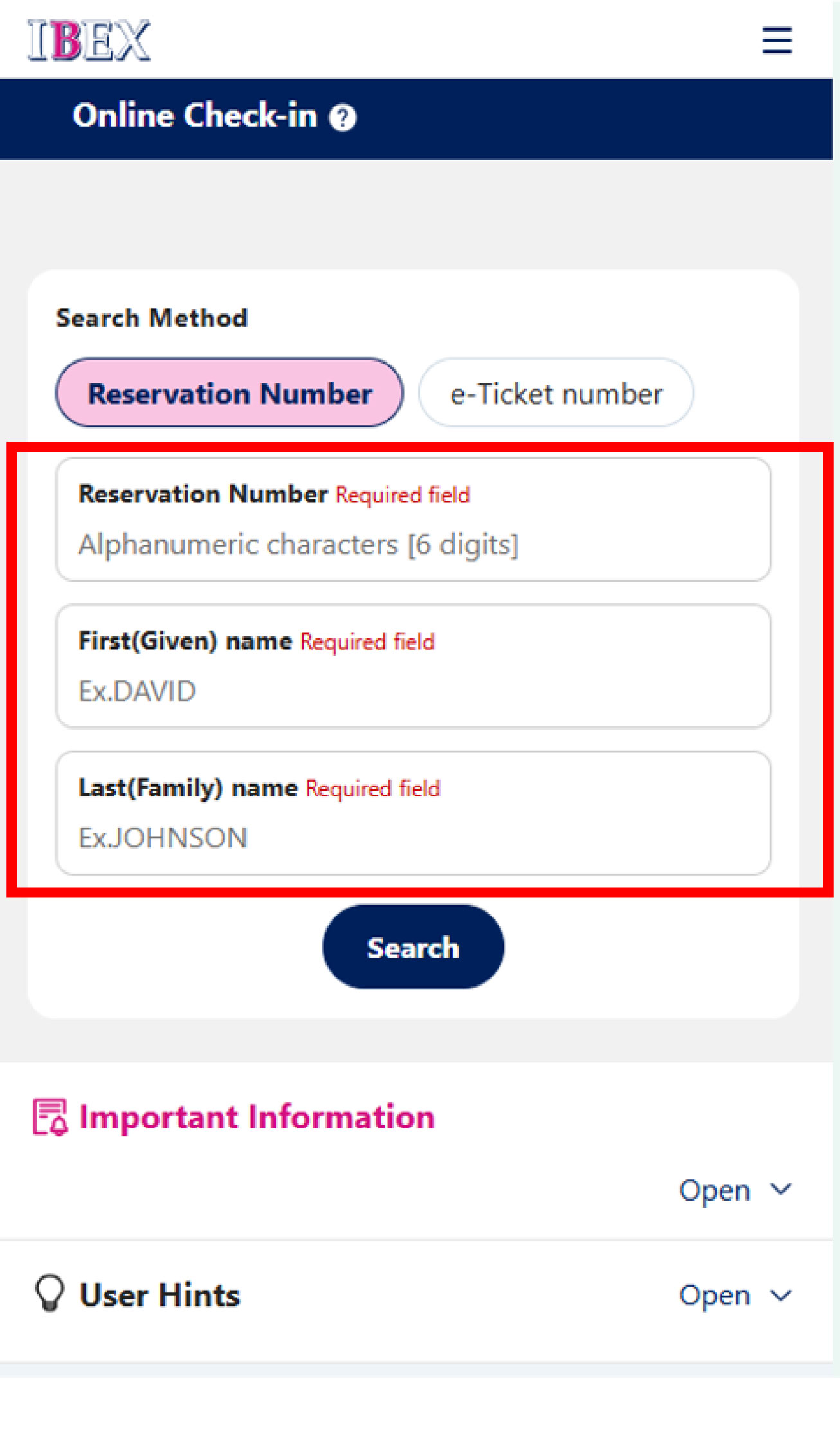
On the online check-in page, enter the passenger name and Reservation Number or e-Ticket Number to search for your reservation.
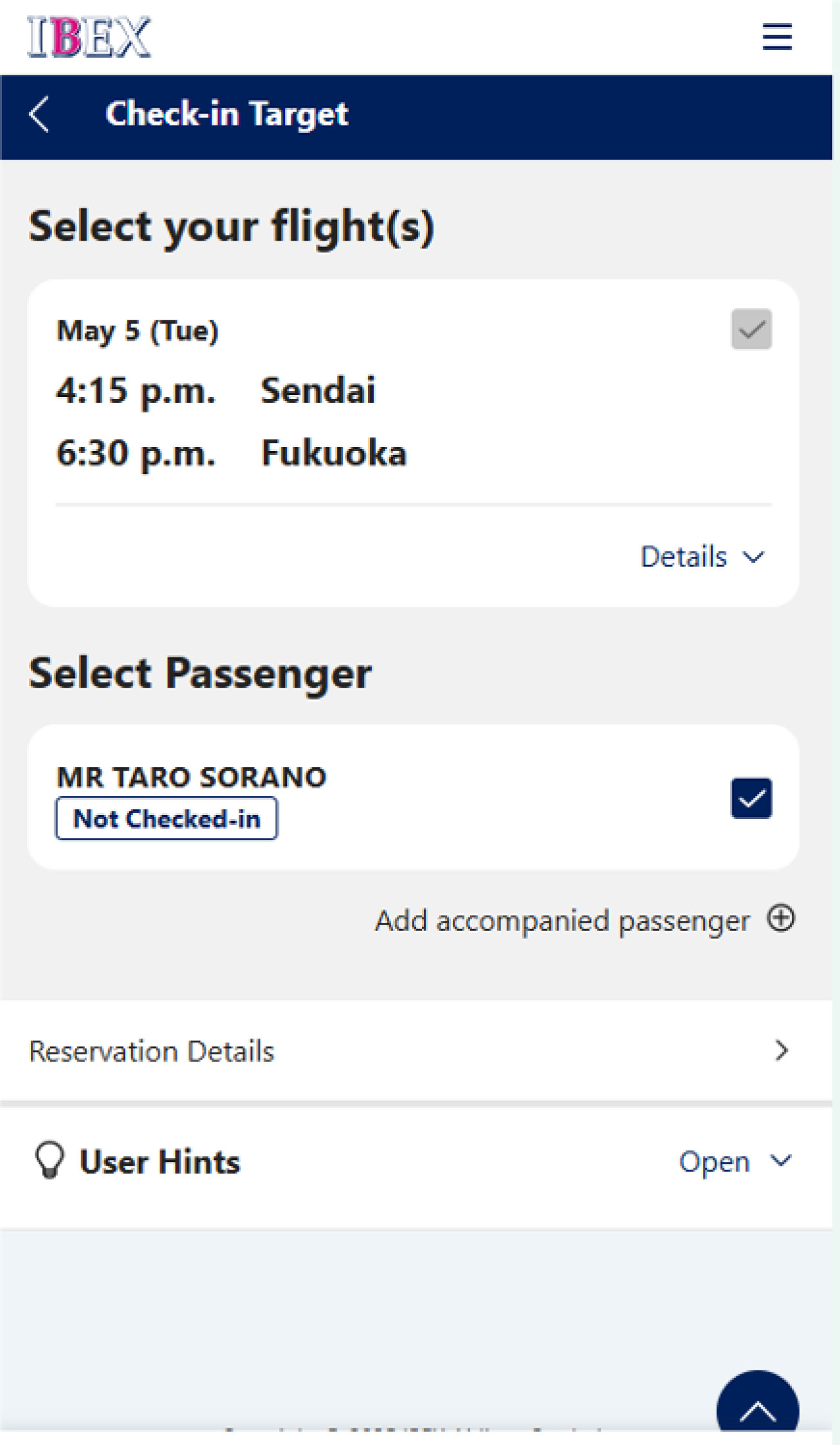
Please confirm your reservation and select [Online Check-in].
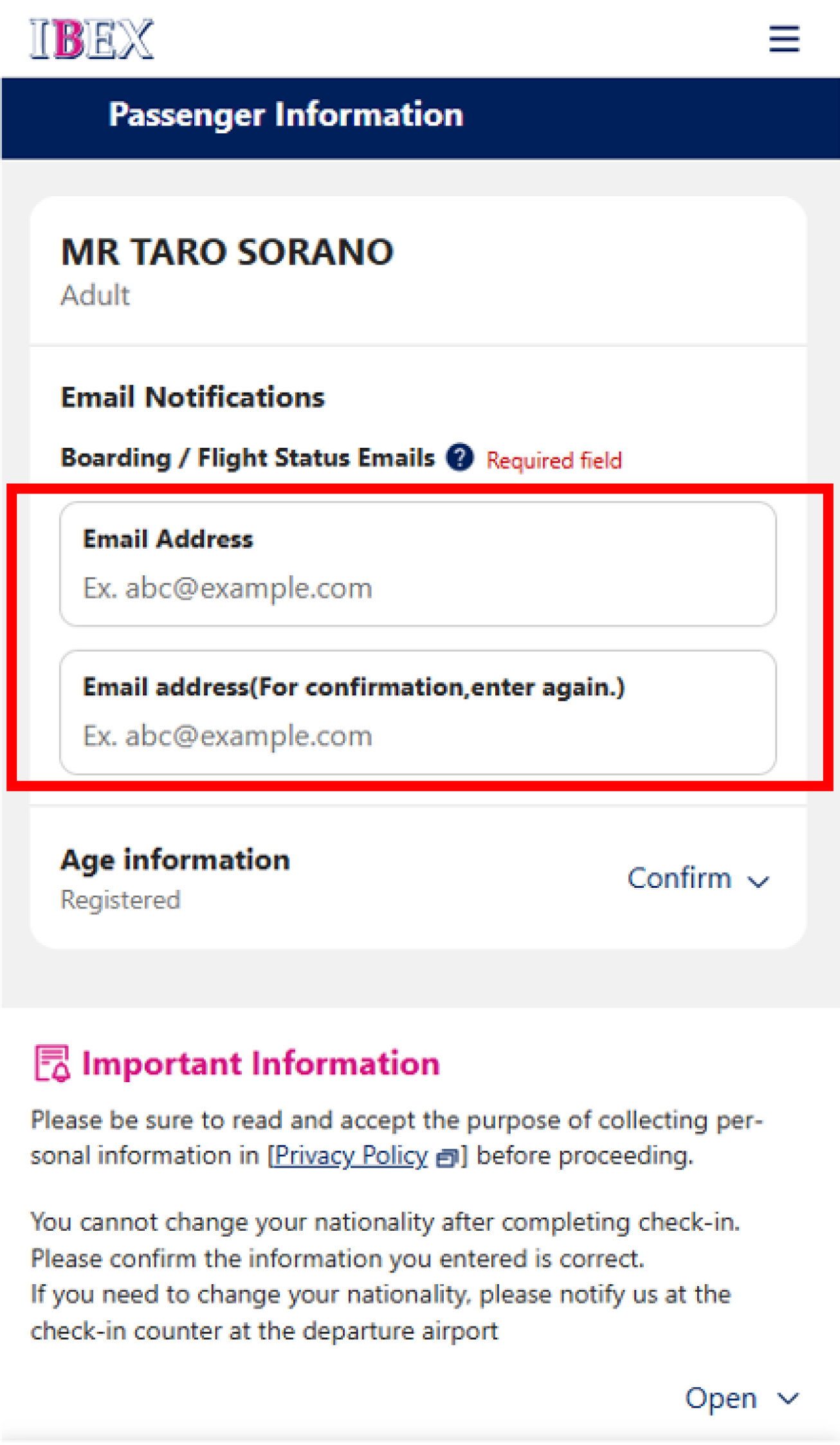
You are required to register an email address when completing online check-in.
Please enter your email address and select [Next].
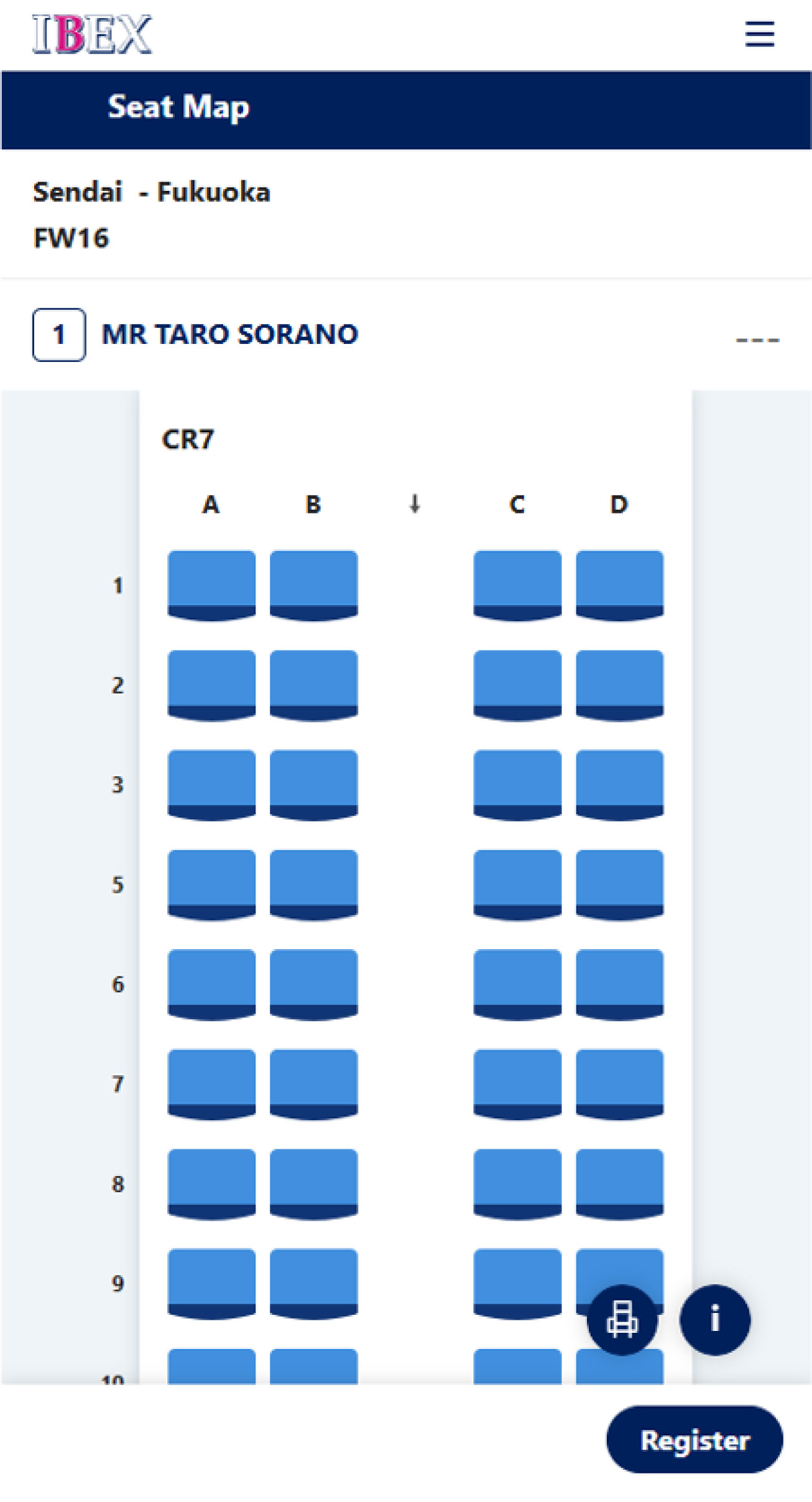
If you have not selected a seat, please select your seat.
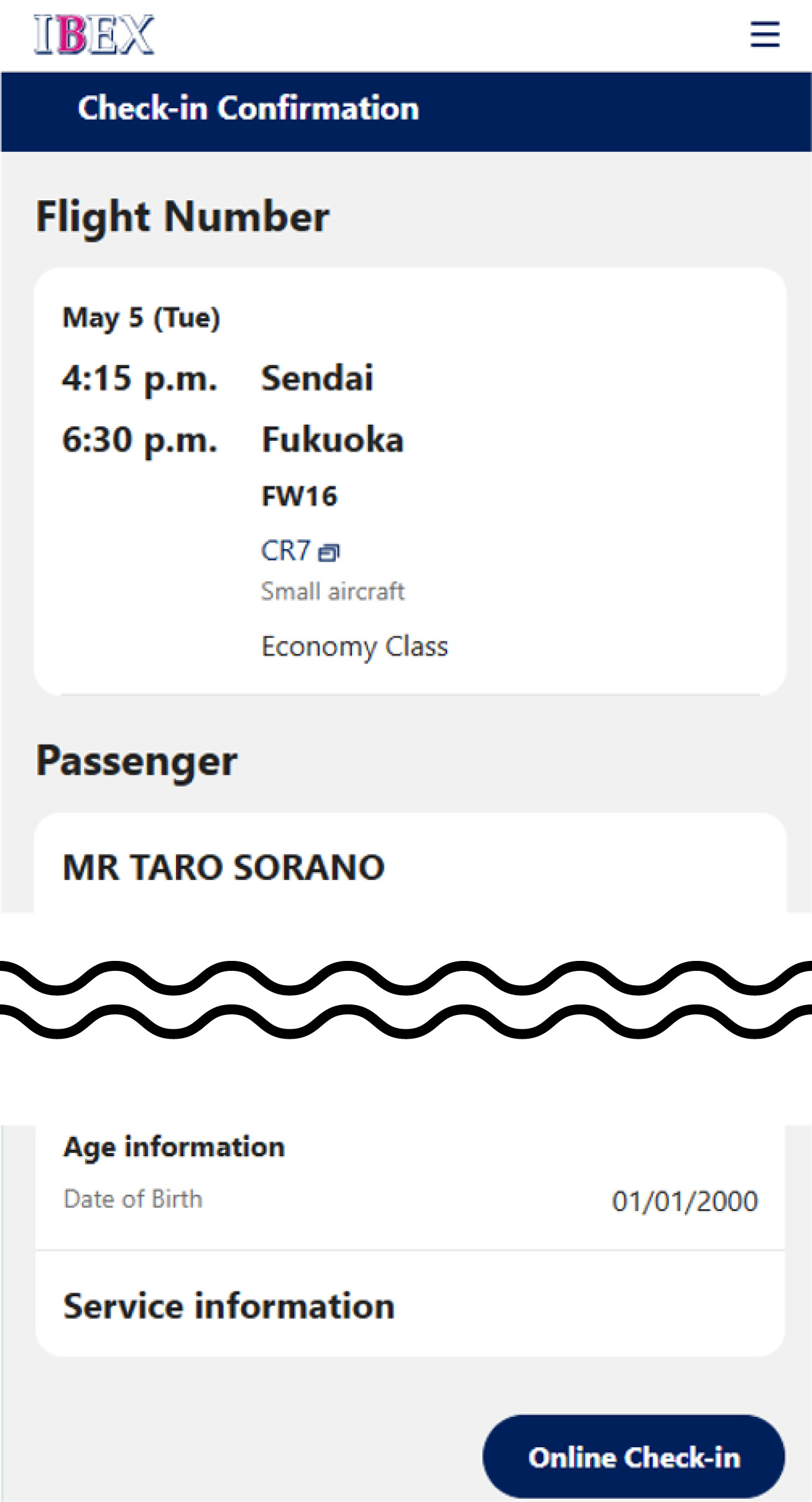
Review your reservation details and complete online check-in by selecting [Online Check-in].
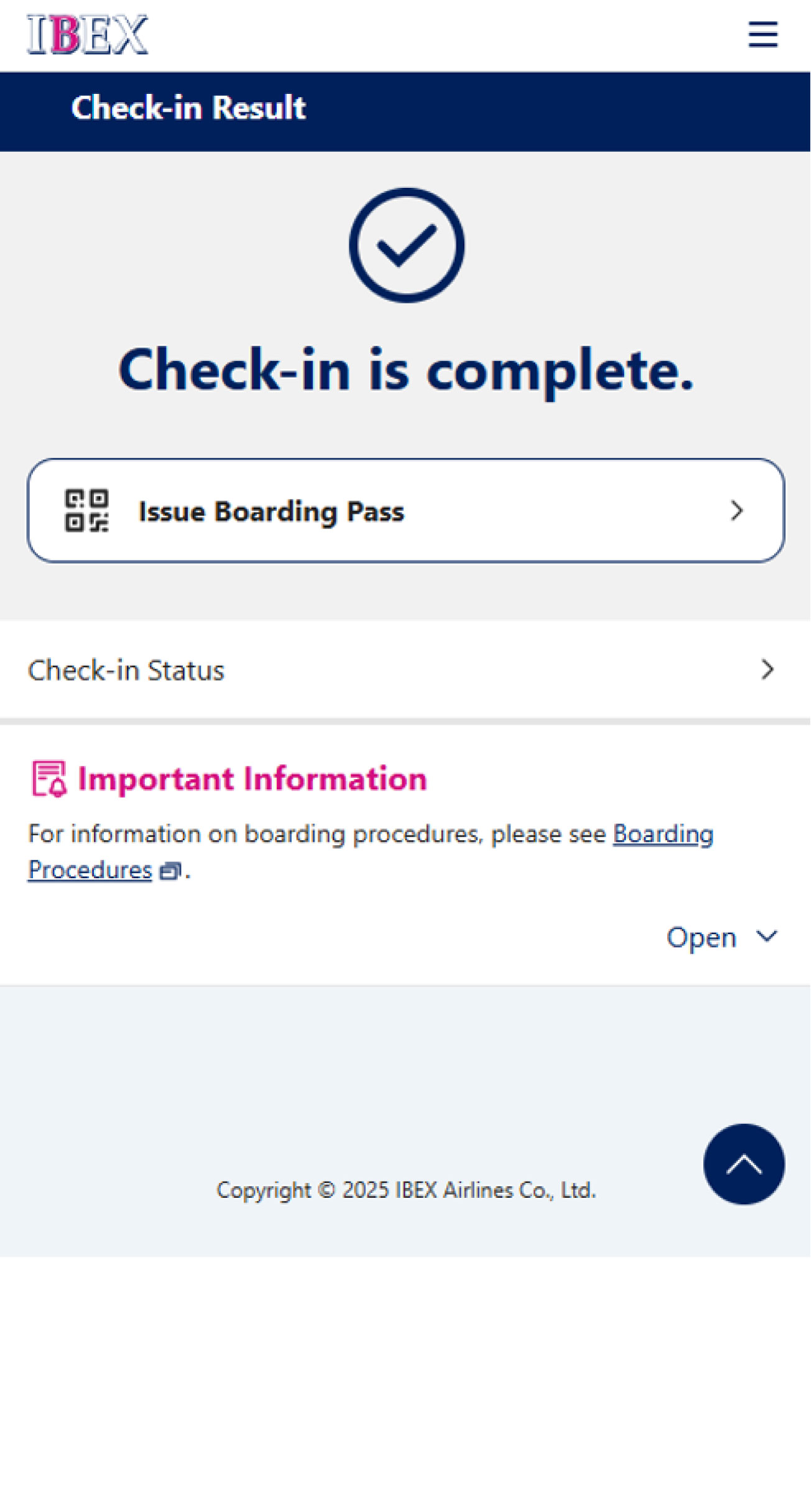
After completing check-in, select [Issue Boarding Pass].
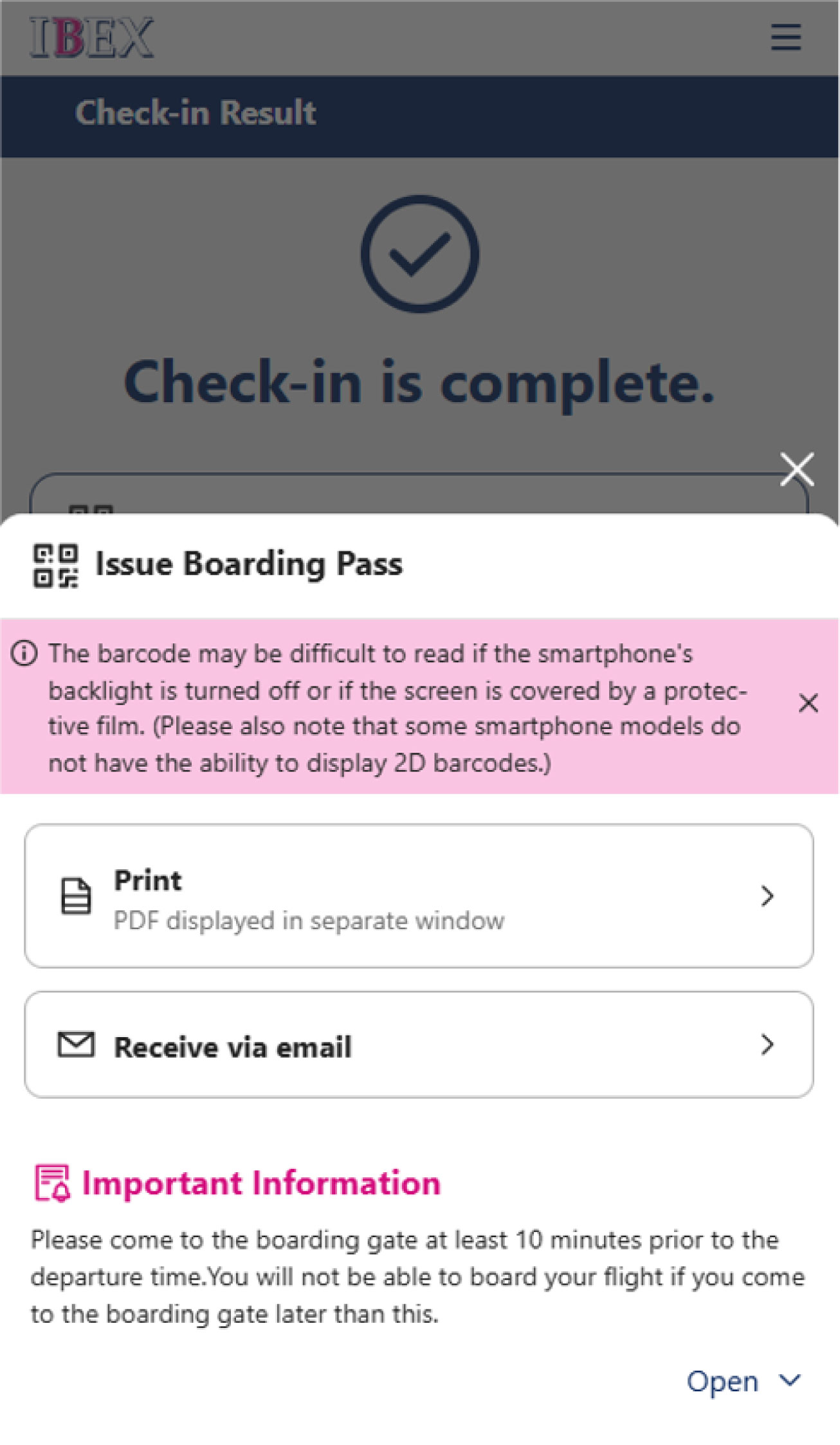
Please select how you would like to receive your boarding pass.
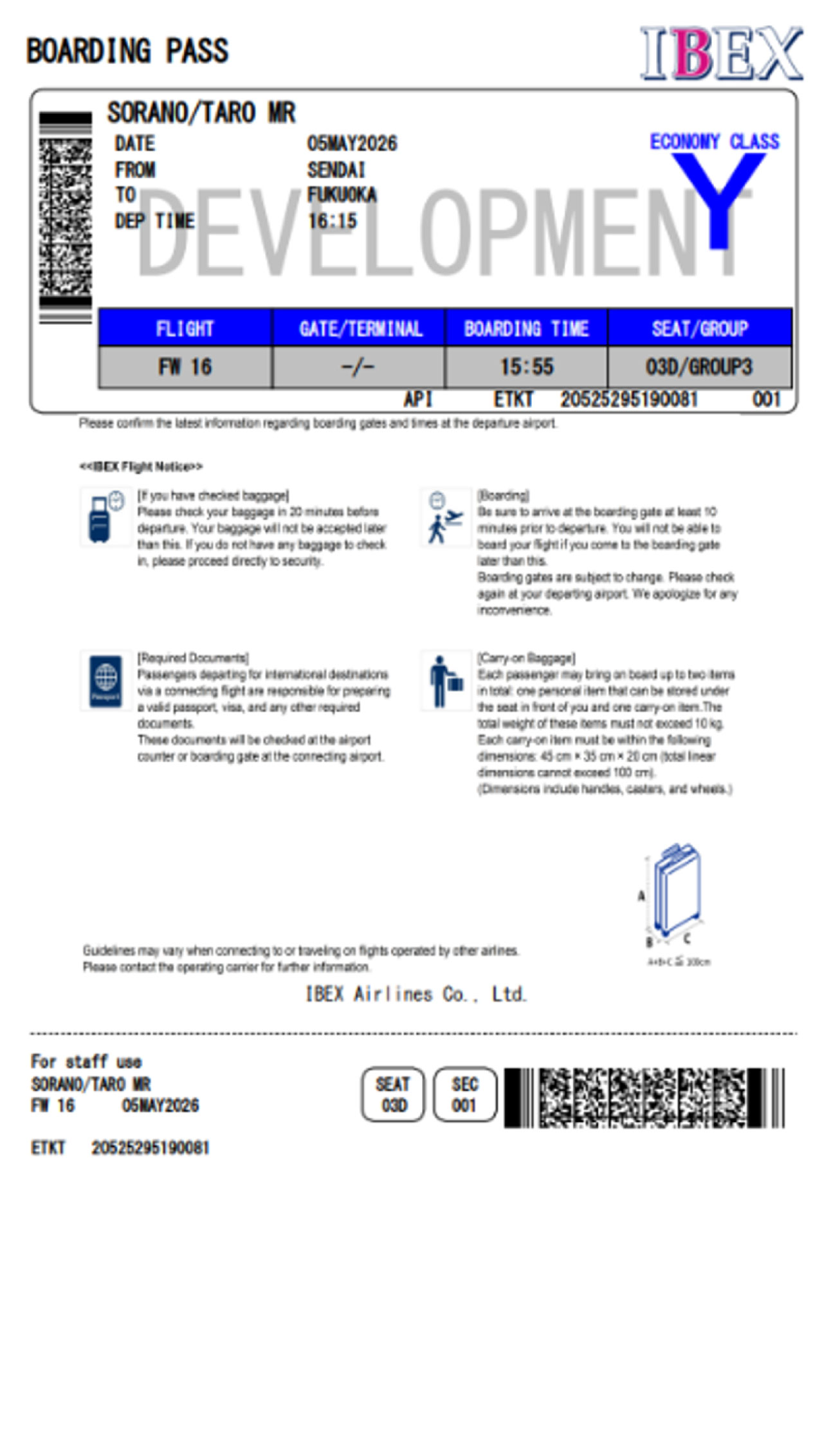
Select [Print]. A PDF boarding pass will be displayed.
Please save the screen or take a screenshot.
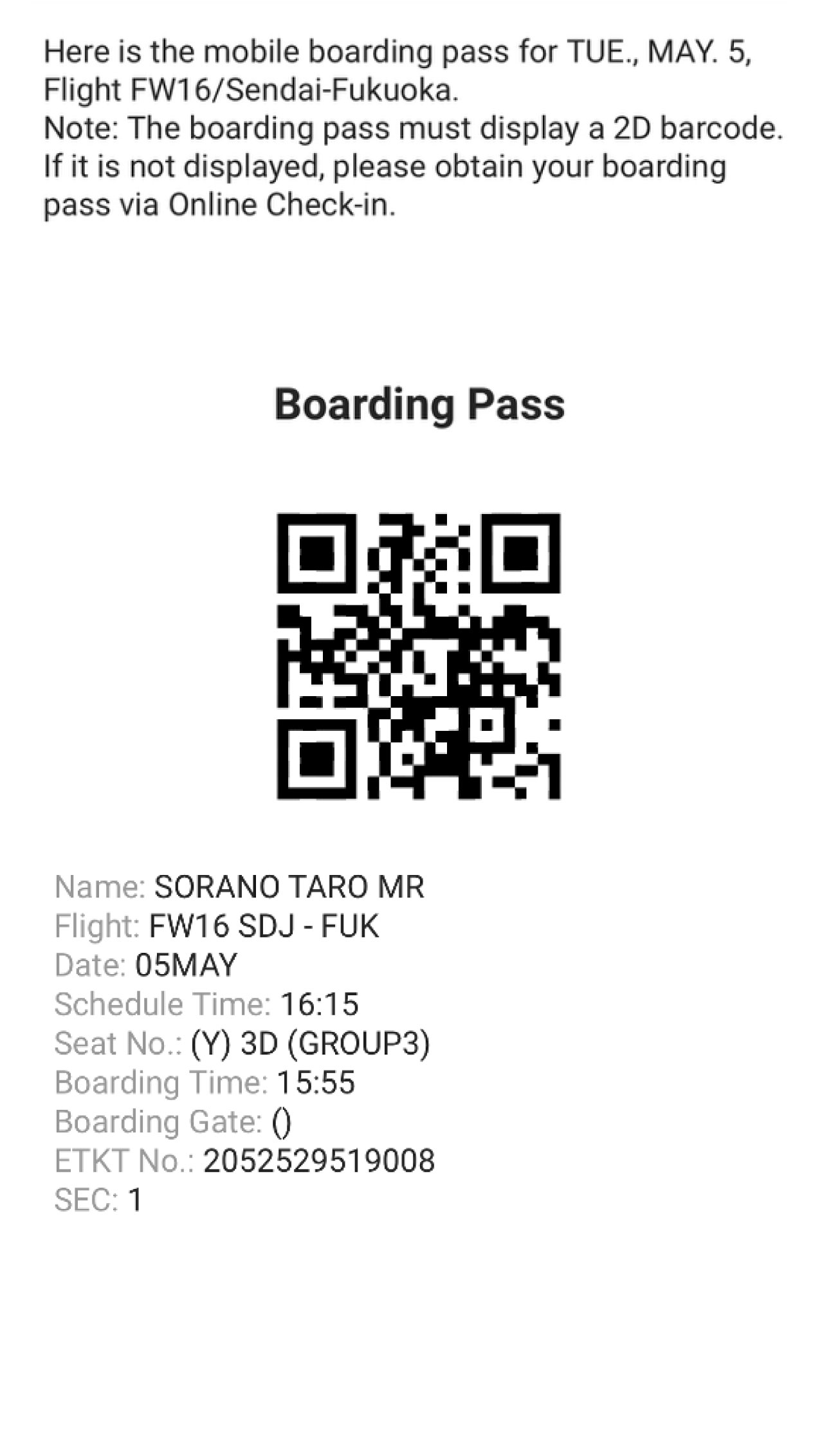
Select [Receive via Email]. Your boarding pass will be sent to your registered email address.
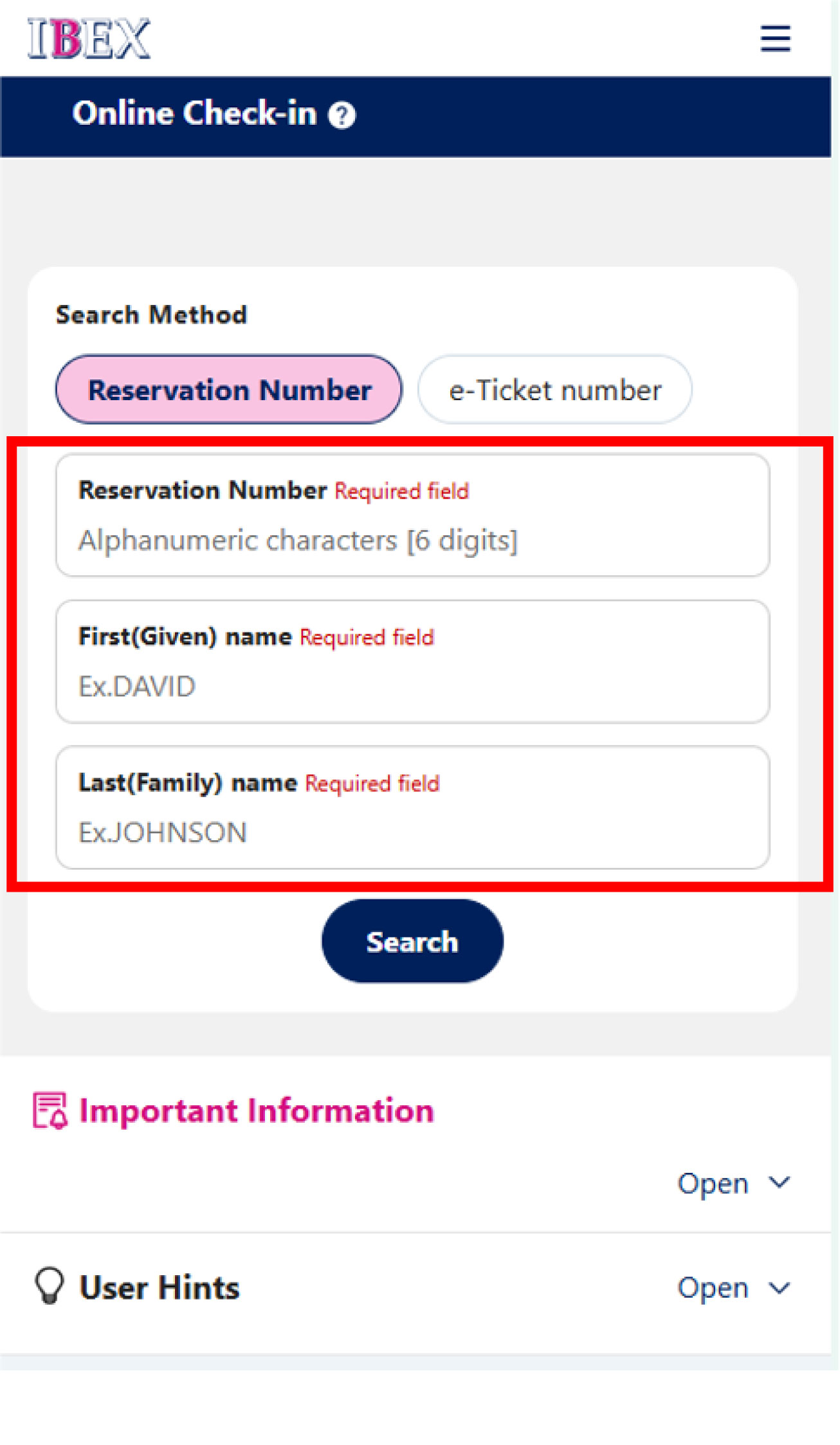
Enter the passenger name and Reservation Number or e-Ticket Number to search for your reservation.
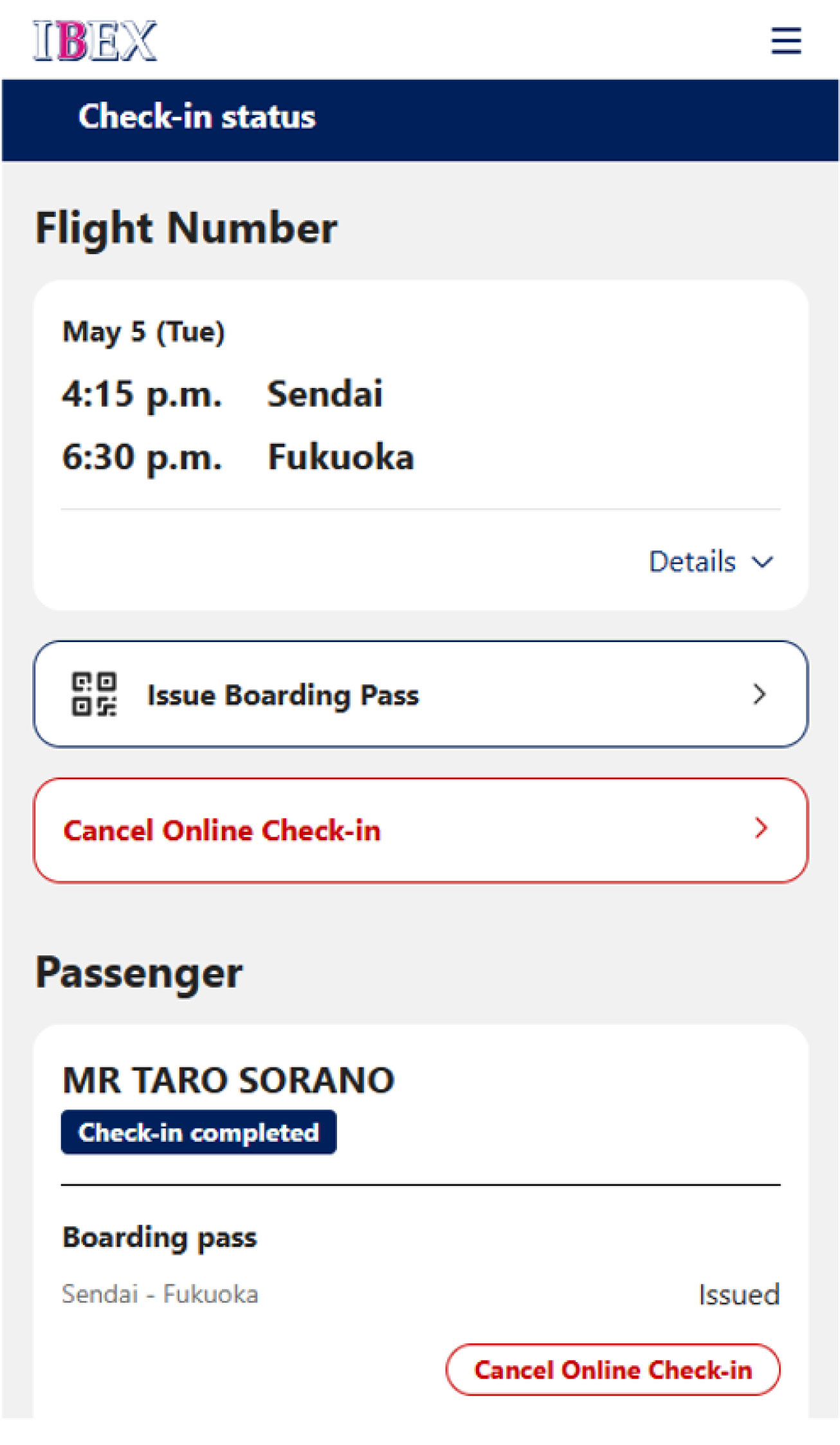
Please select [Cancel Online Check-in] on the check-in status screen.
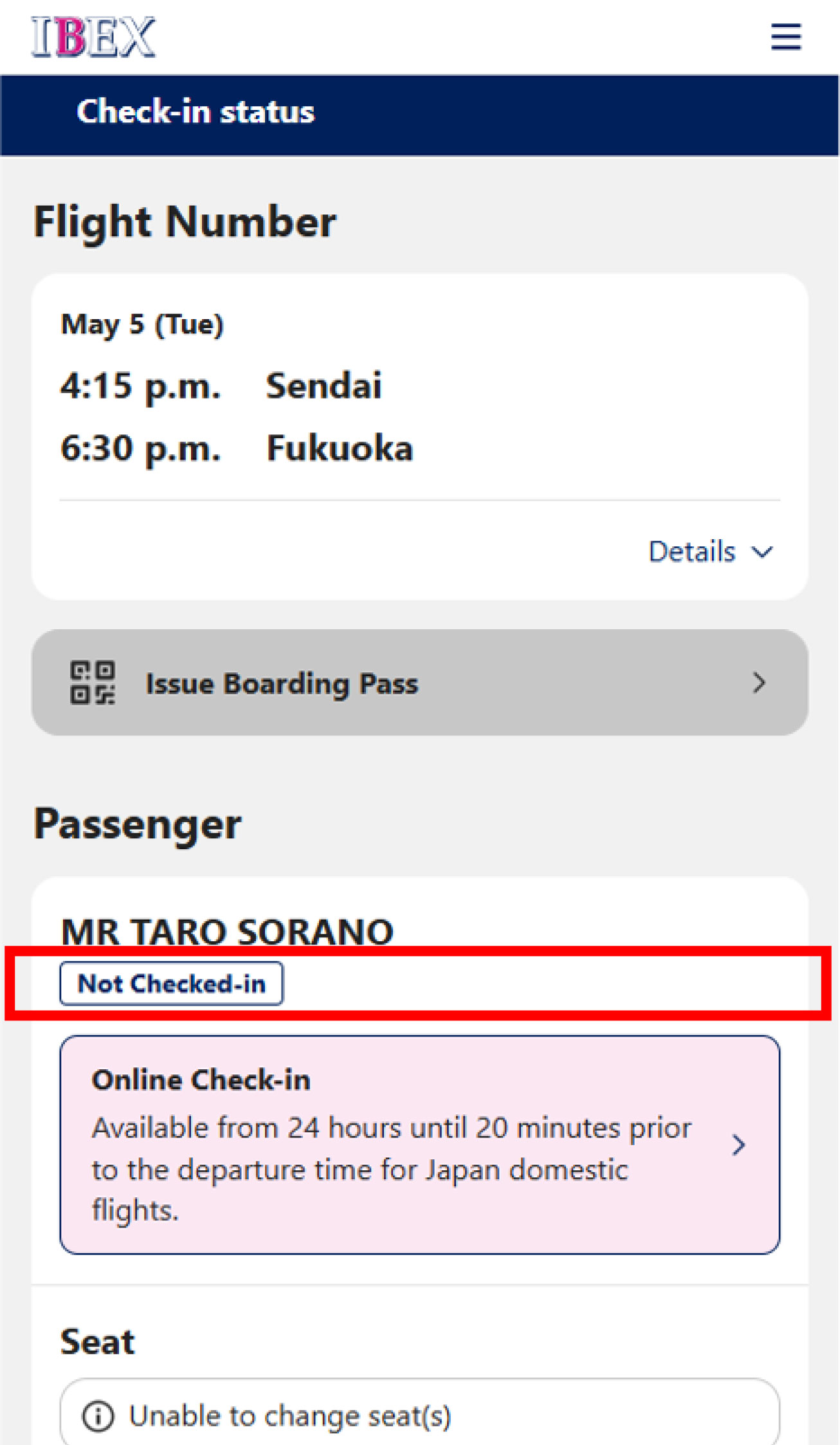
After canceling online check-in, please confirm that the status is displayed as [Not Checked In] on the check-in status screen.
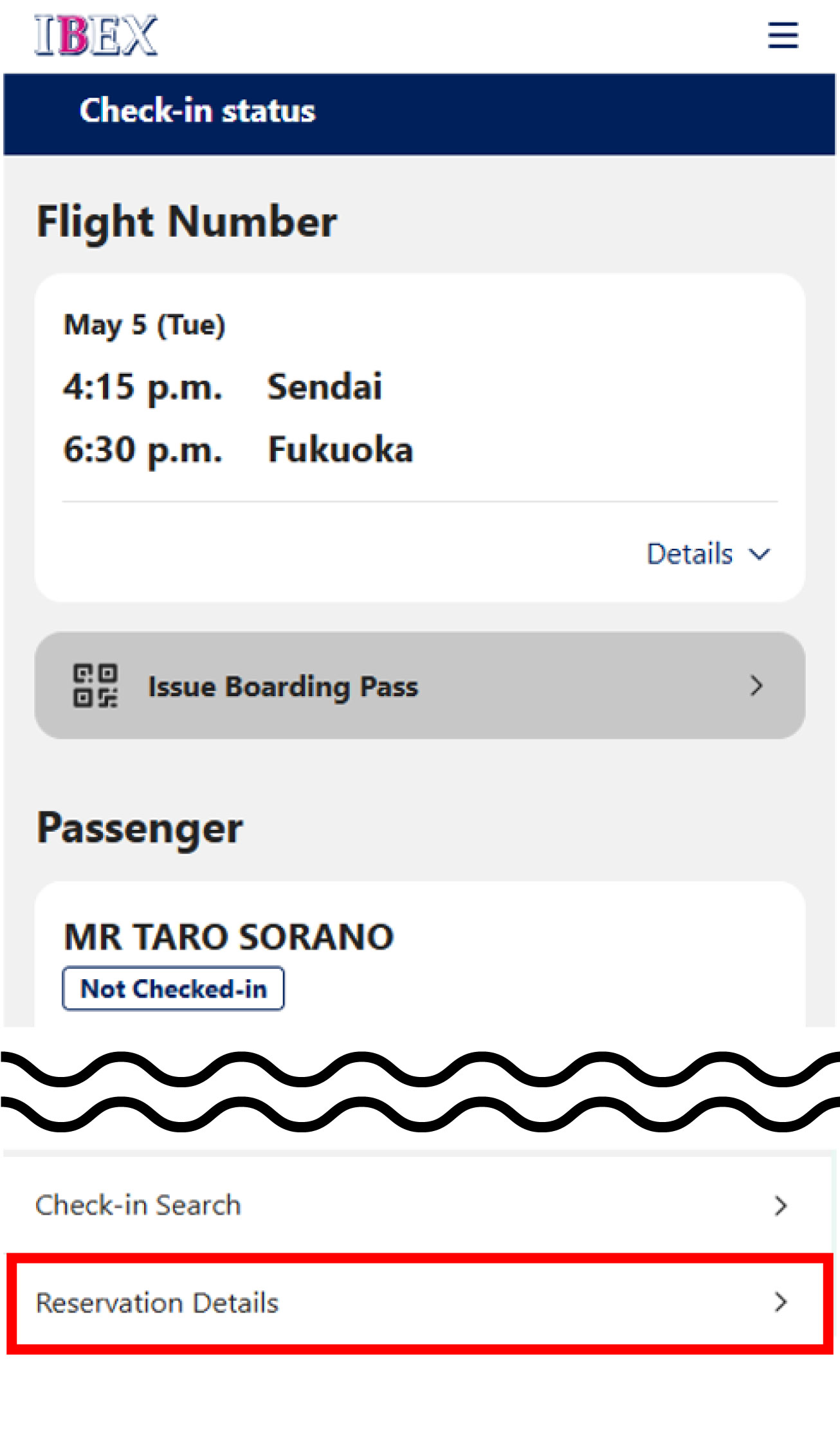
On the check-in status page, select [Reservation Details] at the bottom of the screen to proceed with the refund.
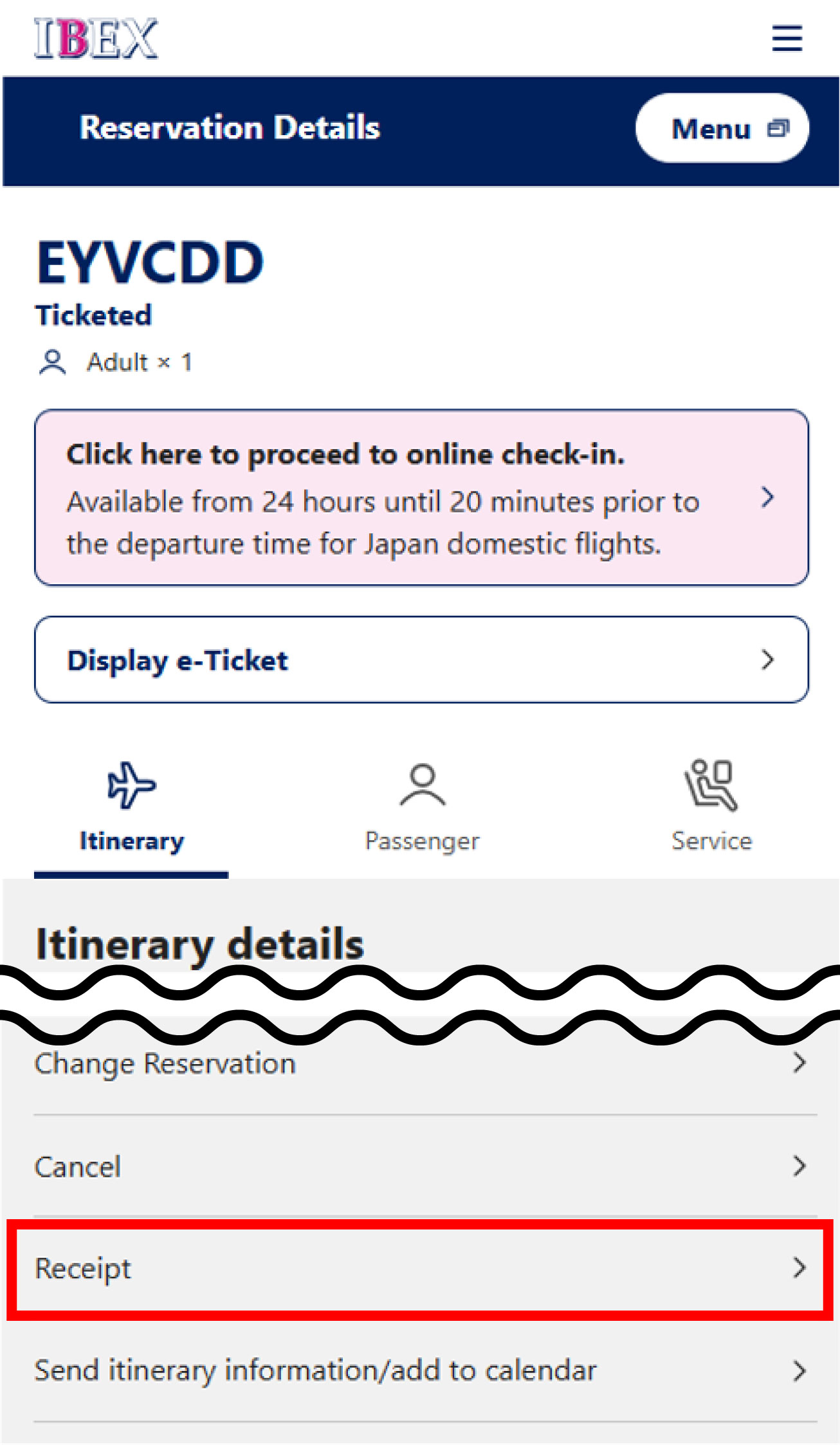
Review the details and select [Cancel].
You can also access this option from the menu in the top right corner.
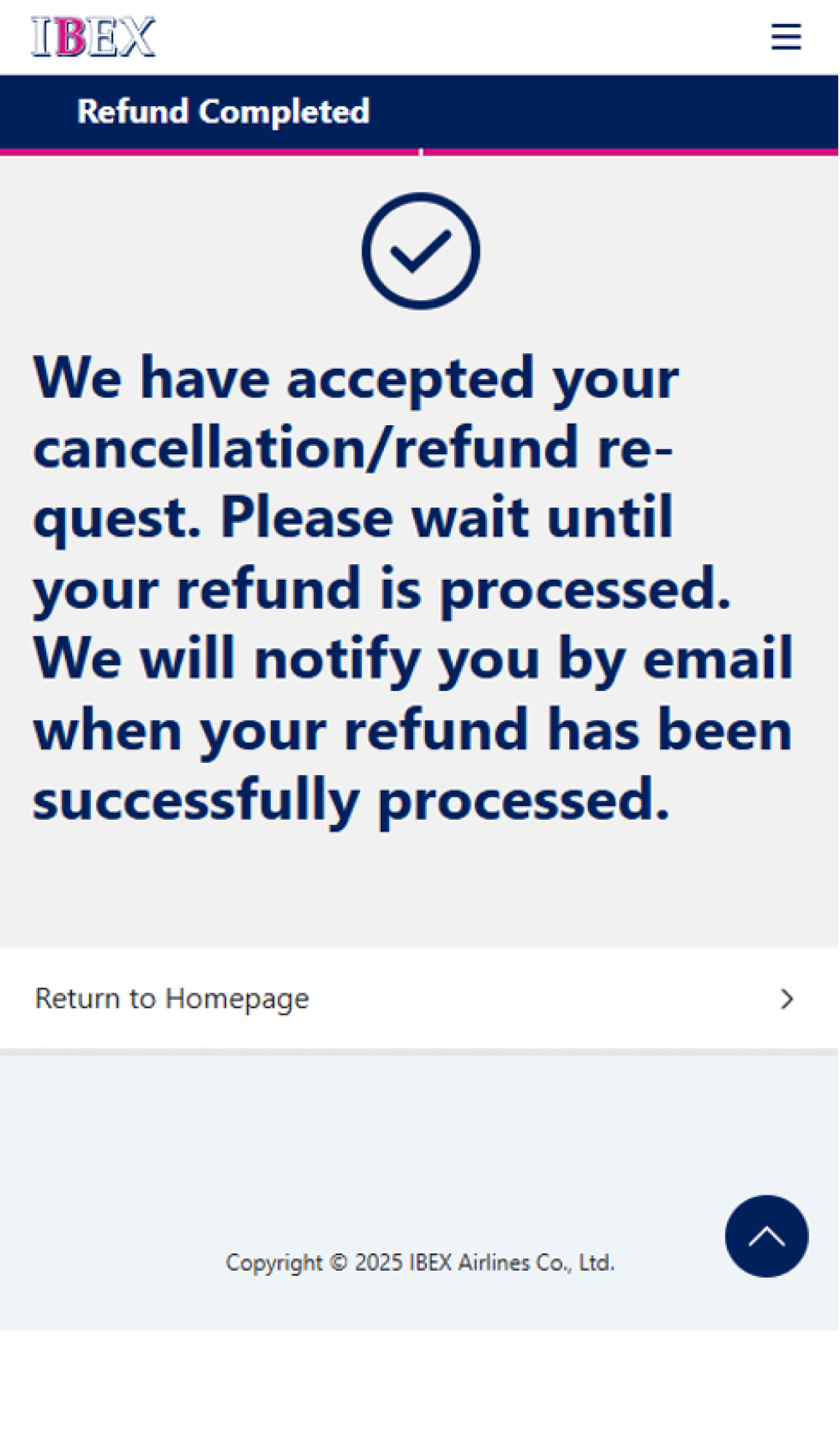
The refund process is now complete.
After completing the process, you will no longer be able to view your reservation via the reservation search.
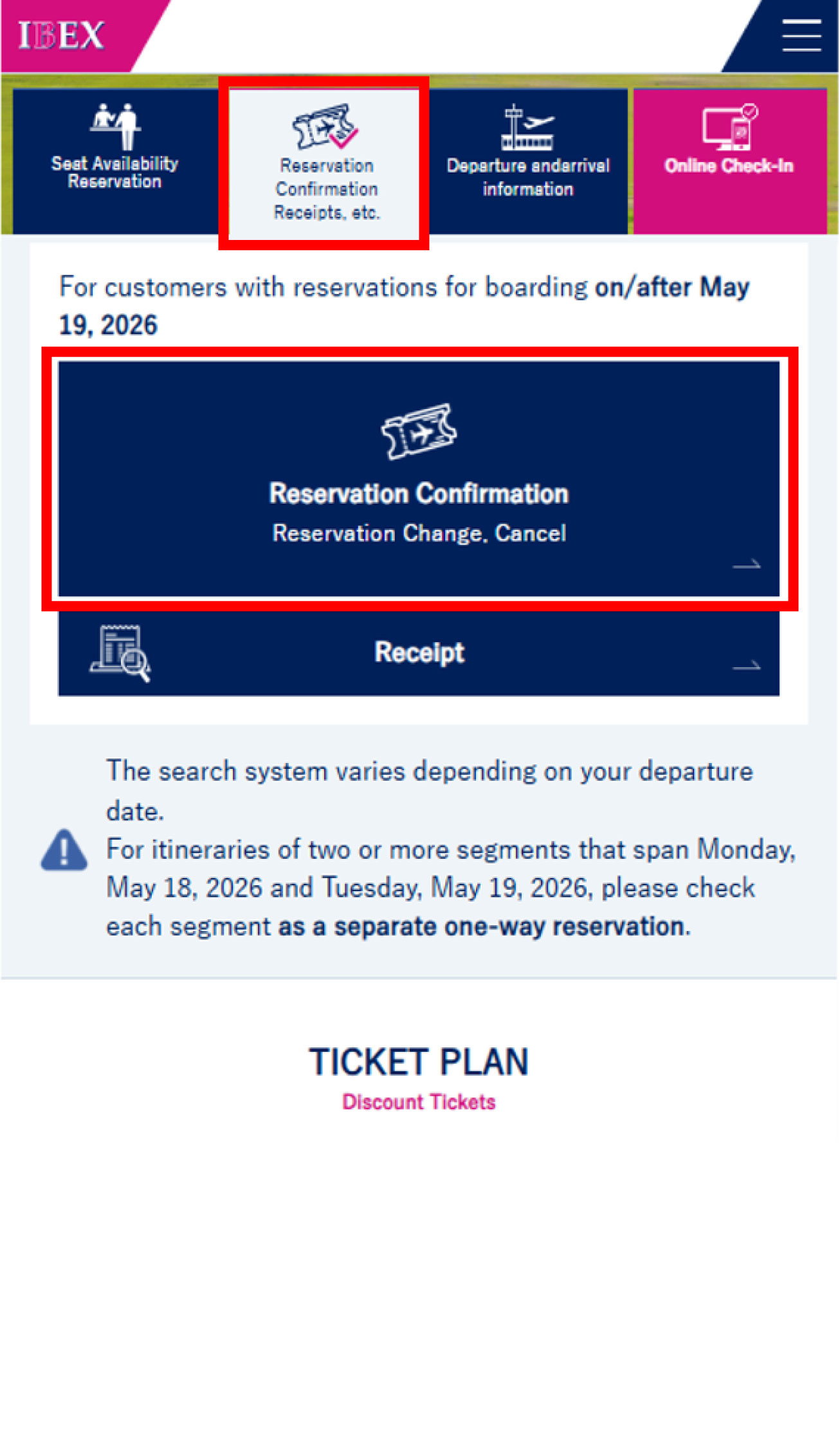
Refunds can also be processed from [Reservation Confirmation] on the IBEX Airlines homepage.
Online check-in may not be available for some itineraries.
If you are connecting to a flight operated by an airline other than IBEX Airlines, please complete the required procedures with the operating airline for your connecting flight.
Other Information
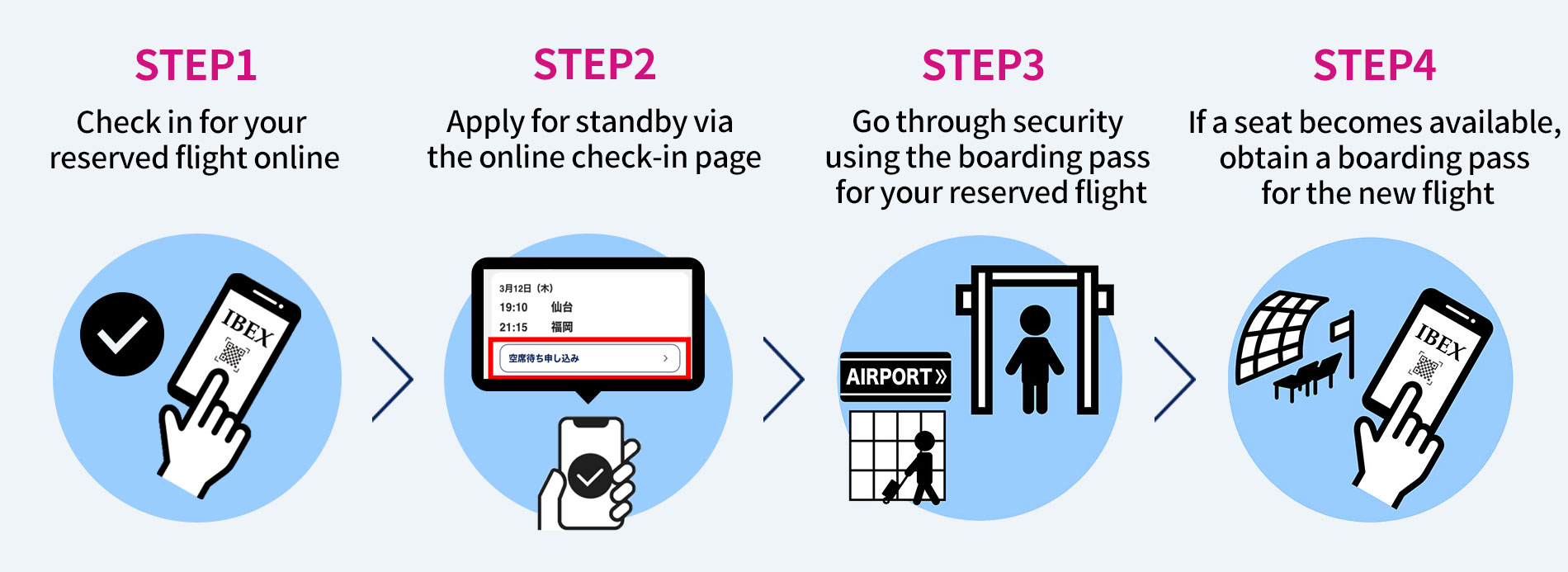
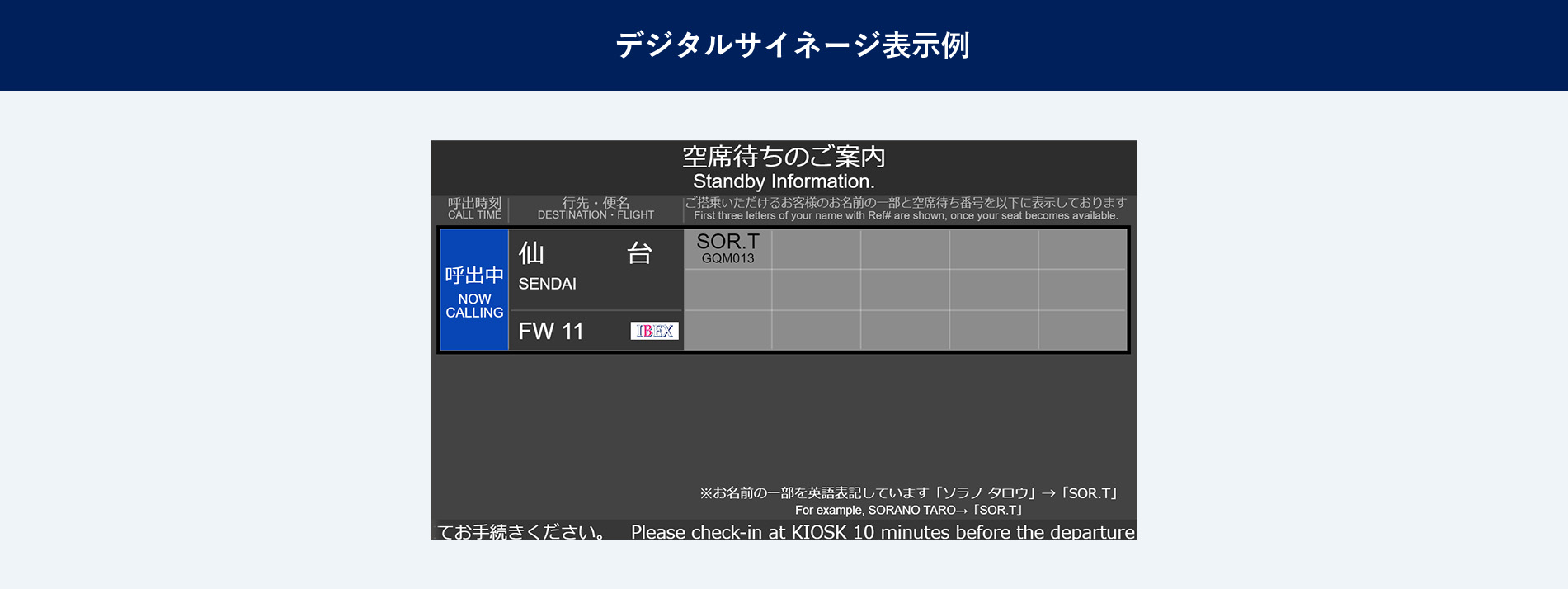
If your preferred flight is fully booked, you may apply for standby using the [Standby Request] service.
*
For IBEX Airlines reservations, standby is available for BASIC Fare and IBEX Biz (corporate fares).
If you wish to use standby, please follow the steps below.

Please complete online check-in for your reserved flight before applying for standby.
Check-in for your reserved flight is also available at a self-service check-in kiosk or at the airport counter.
Conditions for Standby Request
Standby requests for airport standby are accepted online or at the airport counter; however, some restrictions apply.
Customers who are not eligible for standby are as follows:
| Cases Where Airport Standby Is Not Available | Additional Information |
|---|---|
| Customers holding fares not eligible for standby | - |
| Customers with itineraries including two or more flight segments in a single reservation (e.g., round trips or connecting flights) | - |
| Standby for flights departing from or arriving at a different airport than the reserved flight | - |
| Standby for flights departing from a different terminal than the reserved flight | - |
| Customers who purchased tickets through a travel agency | Standby requests can only be made at the airport counter. |
| Customers requiring assistance | After obtaining a boarding pass at the airport counter on the day of departure, standby requests can be made online or at the counter. |
| Customers who have purchased a seat for baggage or an extra seat | - |
| Standby requests for only some passengers in a multi-passenger reservation | Standby requests can only be made at the airport counter. |
| Group customers* | - |
| Customers holding reservations that include international flights* | Standby requests can only be made at the airport counter. |
The time required when connecting to other flights is listed below.
| Domestic ⇔ Domestic (IBEX/ANA/ADO/SNJ/SFJ/ORC flights) | |
|---|---|
| Osaka Itami Airport | At least 25 minutes |
| Other Airports Served by IBEX | At least 20 minutes |